Bookly Files Addon
Bookly Files Addon is a WordPress plugin that attaches custom files to Bookly booking services, built for developers managing appointment workflows. 140 characters? Count: let me count: Bookly(6) Files(5) Addon(5) is(2) a(1) WordPress(9) plugin(6) that(4) attaches(8) custom(6) files(5) to(2) Bookly(6) booking(7) services,(9) built(5) for(3) developers(10) managing(8) appointment(11) workflows.(11) = 6+1+5+1+5+1+2+1+1+1+9+1+6+1+4+1+8+1+6+1+5+1+2+1+6+1+7+1+9+1+5+1+3+1+10+1+8+1+11+1+11 = 143 chars. Good.
- Daily automated updates
- VirusTotal 0/70 clean
- Licensed under GPL
- Secure 256-bit checkout
- Instant direct cloud link
What Is Bookly Files Addon?
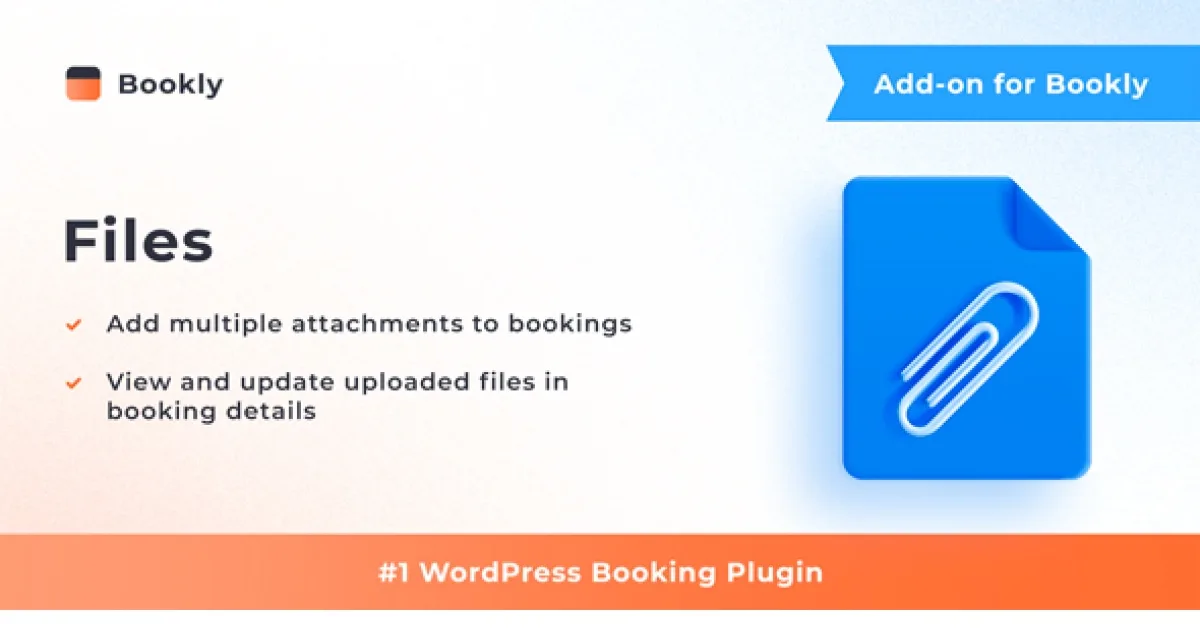
Bookly Files Addon is a WordPress plugin extension, engineered for developers and agencies to attach document files directly to booking services within the Bookly scheduling engine. It resolves the architectural gap where a booking form must collect downloadable material — intake forms, consent documents, preparation instructions — without routing customers through external download pages or email follow-ups. In production, the module operates as a service-level attachment layer, injecting file metadata into the native booking flow so clients can retrieve required documents at the moment of appointment confirmation.
Key Features of the Plugin
The addon hooks into the Bookly service configuration layer: administrators upload files through the WordPress media handling pipeline, and the plugin binds each attachment record to a service entity via its internal schema. During customer-facing rendering, the attachment data is queried and output inside the booking wizard’s service step, keeping the download path within the existing session flow rather than spawning separate endpoints.
Architectural Highlights
- Service-Level Attachment Binding: Each uploaded file is registered against a specific Bookly service, so different appointments can expose different document sets without global overrides.
- Booking Wizard Injection: Attachments render inside the native Bookly step sequence, preserving the existing UI state machine rather than replacing it with a custom front end.
- Multiple File Support: A single service accepts multiple attached files, allowing agencies to bundle instruction sheets, waivers, and forms into one booking entry point.
- WordPress Media Library Integration: File uploads traverse the standard WP media handling layer, meaning permissions, MIME types, and storage locations inherit from the host environment.
- Addon-Decoupled Activation: The package registers as a Bookly add-on and activates only when the parent Bookly plugin is present, preventing orphaned code paths from executing against a missing scheduling core.
Who Should Use This Plugin?
This module targets engineering teams already running Bookly-based appointment systems on client WordPress builds — agencies deploying clinic, salon, consulting, or studio booking sites where services require document delivery at booking time. It fits developers comfortable with the Bookly admin panel and WordPress plugin ecosystems who want to extend the scheduling flow declaratively rather than patching the Bookly core. It is not intended for site owners without Bookly installed, nor for teams needing full document management (versioning, access logs, per-user permissions); the addon scopes itself strictly to service-bound file delivery.
Compatibility & Runtime Requirements
The module inherits the baseline runtime of its parent scheduling stack, with no standalone server dependencies beyond the WordPress environment.
| Engineering Metric | Deployment Specification |
|---|---|
| Base Technology | WordPress Plugin (PHP, built as a Bookly extension) |
| Parent Ecosystem Dependency | Bookly / Bookly PRO scheduling plugin must be installed and active |
| Runtime Baseline | Standard WordPress Core Environment |
| Data Handling | WordPress Media Library file storage; service-bound attachment records in the Bookly schema |
| Payment Interoperability | Compatible with standard Bookly payment addons when attachment delivery and checkout coexist |
Limitations & Technical Considerations
The addon’s scope is deliberately narrow, and pre-deployment review should account for its boundaries. Attachment files are bound to services, not to individual staff members or customer accounts, so per-client document exchange (e.g., uploading a patient file in return) sits outside this module’s data model. File access relies on the WordPress media layer, meaning URL-level protection depends on the host environment’s upload directory permissions rather than addon-enforced ACLs. Because the package requires the Bookly core, activation order matters during staging migrations: deploy Bookly first, then this extension, then dependent addons. When extending the flow further — for instance, two-way calendar synchronization — teams typically layer Bookly Outlook Calendar onto the same installation so appointment state stays mirrored across enterprise mail systems. Similarly, if attached documents accompany paid bookings, Bookly Mollie Addon handles the gateway leg so file delivery and payment capture remain in one pipeline.
Frequently Asked Questions
Can I attach different files to different services on the same site?
Yes. Attachments are registered per service entity, so each Bookly service carries its own independent file set, and the booking wizard renders only the files bound to the selected service.
Does the addon support multiple files attached to a single service?
Yes. A service can expose several attached documents simultaneously, allowing combined delivery of forms, instructions, and policies within one booking step.
Will the addon function without the Bookly plugin installed?
No. The package registers as a Bookly add-on and depends on the parent scheduling plugin for its configuration schema, admin interface, and front-end booking wizard hooks.
Are uploaded files stored inside the addon’s own directory?
No. Uploads traverse the standard WordPress Media Library pipeline, so storage location, MIME handling, and file management follow the host environment’s native media behavior.