Avada | Website Builder For WordPress & eCommerce
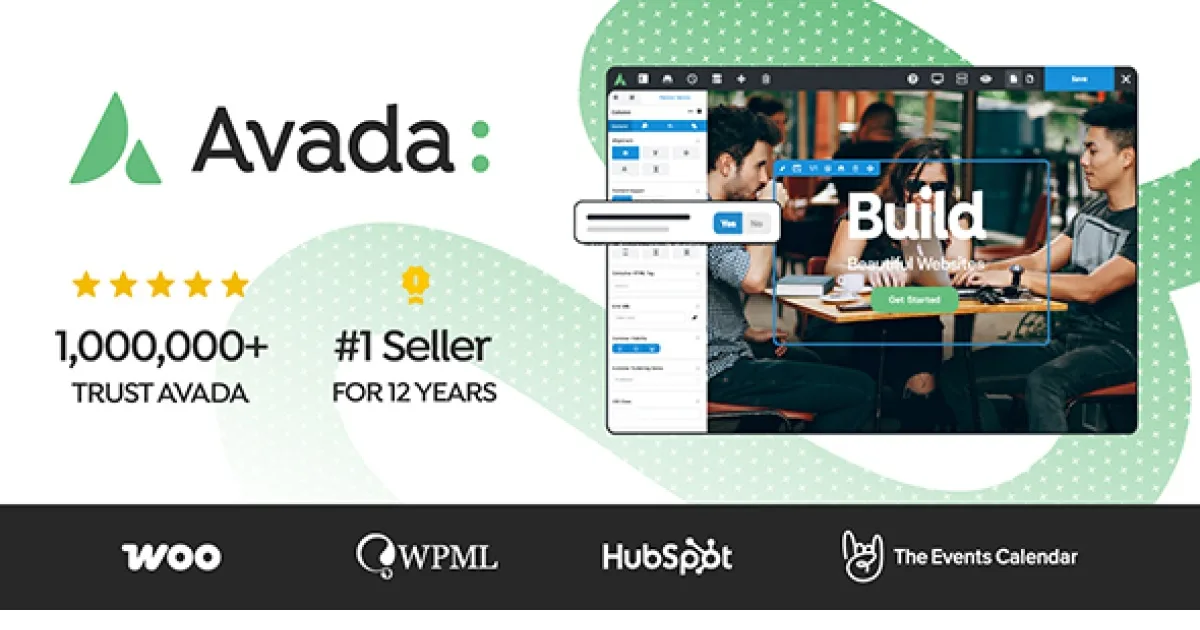
Avada Website Builder is a WordPress theme platform with visual, layout, header, and WooCommerce builders for developers, marketers, and agencies building responsive sites.
- Daily automated updates
- VirusTotal 0/70 clean
- Licensed under GPL
- Secure 256-bit checkout
- Instant direct cloud link
What Is Avada Website Builder?
Avada is a WordPress website builder theme, engineered for beginners, marketers, and professional developers to assemble mobile-friendly sites without writing code. It resolves the fragmentation problem of stacking separate plugins for headers, footers, menus, forms, and shop templates by consolidating those modules into a single builder engine. In production workflows, it serves as the central rendering layer for complete WordPress and WooCommerce builds, from landing pages to full commerce storefronts.
Key Features of the Theme
The theme parses builder-defined layouts at render time, replacing native WordPress template hierarchy outputs with builder-generated markup for each structural zone. This section details the executable modules verified in the official documentation.
Architectural Highlights
- Live Visual Builder: Renders layout changes in a front-end editing context, so DOM output is manipulated and inspected directly rather than approximated through an admin-side preview frame.
- Layout, Header, Footer, and Mega Menu Builders: Each builder targets one structural zone of the document tree, letting you assign custom templates that override the theme’s default header, footer, or navigation rendering for specific pages or conditions.
- Form Builder and Off-Canvas Builder: The form module generates submission-capable forms without third-party form plugins, while the off-canvas module injects slide-out content containers triggered from headers, menus, or page elements.
- WooCommerce Builder: Replaces default shop, product, and archive templates with builder-designed equivalents, so cart and checkout presentation can be restyled without editing WooCommerce core template files.
- Prebuilt Website Library: Ships 114 complete starter sites, including 30 Shop / WooCommerce builds, 19 Health & Beauty builds, 10 The Events Calendar builds, 6 Blog / Magazine builds, and 8 Slider Revolution builds, which are imported as fully structured page hierarchies.
For niche commerce verticals, teams that need a faster shop-focused starting point frequently pair this architecture with dedicated storefront codebases such as Viasun for cosmetics and skincare builds, or Amerce for multi-vertical Ajax-driven stores, reserving Avada’s layout engine for the content and marketing pages.
Who Should Use This Theme?
This codebase fits three operational personas defined in the official documentation: beginners who need no-code assembly, marketers who iterate on landing pages and forms, and professionals who require template-level control over headers, footers, and WooCommerce output. Agencies running multi-client WordPress estates benefit from the 114 prebuilt sites as staging accelerators, then overriding individual builder zones per brand. It is not intended for teams that prefer hand-coded PHP theme development with a bare starter theme, nor for headless decoupled builds where WordPress only supplies REST data, since the value here is in the integrated rendering layer itself.
Compatibility & Runtime Requirements
The package operates as a WordPress theme with documented integrations across the mainstream WordPress plugin ecosystem.
| Engineering Metric | Deployment Specification |
|---|---|
| Base Technology / Framework | WordPress theme with Avada Classic builder engine |
| Commerce Compatibility | WooCommerce, including shop template building and cart state handling |
| Plugin Integrations | Yoast SEO, The Events Calendar, bbPress, HubSpot, WPML, Slider Revolution |
| Rendering Model | Fully responsive, mobile-friendly output across device viewports |
| Session Data Handling | woocommerce_cart_hash session value stores a hash of cart contents so WooCommerce can detect when cart contents change |
How to Install & Deploy the Theme
Deployment follows the standard WordPress theme installation path, with all builder modules initializing on activation.
- Environment Pre-check: Confirm the target server runs a current WordPress installation with WooCommerce available if shop templates will be built, and verify that memory and upload limits accommodate the theme package and demo content imports.
- Package Upload: Upload the theme archive through the WordPress administration interface under Appearance, or transfer the extracted files to the server’s themes directory via SFTP.
- Direct Activation: Activate the theme from the administration panel. The builder suite, including Layout, Header, Footer, Mega Menu, Form, Off-Canvas, and WooCommerce builders, becomes fully operational immediately.
- Configuration & Testing: Import a prebuilt site from the 114-site library or construct layouts from scratch, then validate responsive output across breakpoints and confirm cart session behavior on WooCommerce pages.
For agencies assembling broader project stacks, logistics and warehouse client builds can be standardized on CargoPress, a Bootstrap-based WordPress codebase, while Avada covers the general-purpose and commerce engagements in the same portfolio.
Frequently Asked Questions
Does the theme require separate plugins to build headers, footers, and forms?
No. Layout, Header, Footer, Mega Menu, Form, Off-Canvas, and WooCommerce builders are all integrated modules, so structural zones and forms are constructed inside the theme’s own builder engine without additional plugins.
Are prebuilt starter websites included for commerce and niche verticals?
Yes. The verified library contains 114 complete websites, of which 30 are Shop / WooCommerce builds, 19 target Health & Beauty, 10 support The Events Calendar, 6 are Blog / Magazine, and 8 use Slider Revolution.
Is multilingual content supported through third-party plugins?
Yes. The documentation confirms integration with WPML for multilingual site builds, alongside Yoast SEO, WooCommerce, The Events Calendar, HubSpot, and bbPress as verified ecosystem plugins.