Fonix | Newspaper & Magazine WordPress Theme
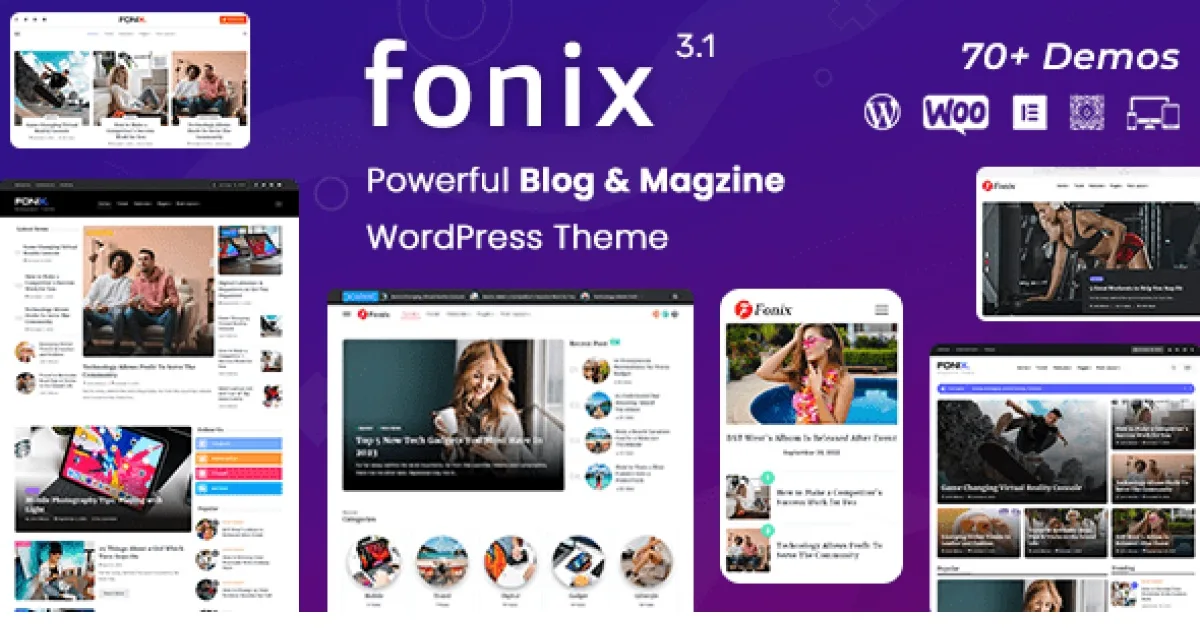
Fonix Newspaper Magazine WordPress Theme delivers demo-driven editorial layouts for publishers and agencies building high-traffic news, fashion, and personal blog sites.
- Daily automated updates
- VirusTotal 0/70 clean
- Licensed under GPL
- Secure 256-bit checkout
- Instant direct cloud link
What Is Fonix Newspaper Magazine WordPress Theme?
Fonix Newspaper Magazine WordPress Theme is a PHP and WordPress-based editorial theme, engineered for publishers, freelance developers, and agencies to deploy magazine, newspaper, and personal blog properties on a single codebase. It resolves the common bottleneck of rebuilding distinct editorial layouts per niche by shipping four pre-architected demo concepts — Main, Fashion, Personal, and Food — that map to different publishing verticals. In production, it functions as the presentation layer of a standard WordPress stack, absorbing content from the native posts system and rendering it through theme templates and demo-imported layout structures.
Key Features of the Theme
The engine parses query context on each request, selects templates from the WordPress template hierarchy, and injects demo-defined layout patterns to assemble the DOM tree served to the browser. Because layout definitions are imported as part of each demo package, editors can restructure front pages through the administration interface rather than editing template files directly.
Architectural Highlights
- Four Vertical Demo Concepts: Main, Fashion, Personal, and Food demos each ship their own layout set and homepage composition, letting a development team switch the visual architecture of a site by importing one package instead of hand-coding section templates.
- Unified Editorial Codebase: All four demos run on the same underlying PHP and CSS/JS asset pipeline, so a multi-project agency maintains one codebase while delivering magazine, fashion, personal, and food publishing builds.
- Standard WordPress Data Flow: Content travels through the native posts pipeline — queries, the loop, and template hierarchy overrides — keeping compatibility with the core editor, widgets, and common publishing plugins.
- Asset Delivery Structure: Stylesheets and scripts are organized as theme-enqueued assets, which allows a deployment team to apply minification, concatenation, or CDN offloading at the hosting or caching layer to protect LCP and CLS metrics on image-dense magazine pages.
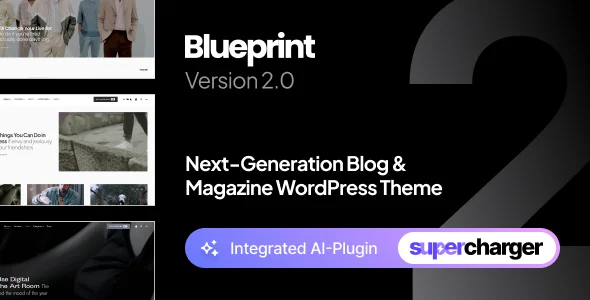
For teams comparing editorial architectures before committing, reviewing how other packages structure their demo imports helps: Blueprint WordPress Theme takes a similar multi-demo approach with nine demo sites, and studying both clarifies which layout granularity fits a given publishing workload.
Who Should Use This Theme?
This theme fits WordPress developers and small agencies producing content-first client sites: news portals, fashion magazines, personal brand blogs, and food publications. It suits teams who want demo-driven scaffolding they can extend with custom CSS, child themes, or plugin integrations rather than building layouts from scratch. Editorial teams running standard WordPress hosting with standard PHP/MySQL runtimes can operate it without DevOps overhead. It is not intended for headless or decoupled builds where the front end is a separate JavaScript application, nor for developers who need programmatic page-builder APIs beyond what the WordPress theme customizer exposes. Non-technical site owners can run it day-to-day, but initial demo import and template adjustments assume someone comfortable with the WordPress admin and basic file management.
Compatibility & Runtime Requirements
The package requires a baseline WordPress server environment; the specifications below reflect standard deployment constraints for a magazine-grade theme rather than invented benchmark figures.
| Engineering Metric | Deployment Specification |
|---|---|
| Base Technology / Framework | WordPress theme (PHP template hierarchy) |
| Runtime / Language Requirements | PHP with MySQL/MariaDB per current WordPress core server recommendations |
| Data Exchange / Communication Protocols | HTTP/HTTPS request-response; standard WordPress admin AJAX and media handling |
| Core Dependencies / Engine Compatibility | WordPress core (posts, media library, widgets); content editable via the block editor |
| Database / Storage Footprint | Uses native WordPress tables; storage scales with posts, media, and imported demo content |
How to Install & Deploy the Theme
Deployment follows the standard WordPress theme lifecycle; activation immediately enables the theme and its administrative menus.
- Environment Pre-check: Confirm the server meets current WordPress core PHP and database requirements, verify permalink settings, and confirm available disk space for demo content and media imports.
- Package Upload: Upload the theme archive through the WordPress admin under Appearance → Add New → Upload, or transfer the extracted folder to
wp-content/themes/via SFTP and confirm it appears in the themes list. - Direct Activation: Click Activate; the theme initializes its templates, menus, and administrative panels, and the site is immediately operational on the new presentation layer.
- Configuration & Testing: Import the demo concept matching the target vertical (Main, Fashion, Personal, or Food), assign navigation menus, configure homepage sections, and validate rendered pages, asset loading, and responsive breakpoints before going live.
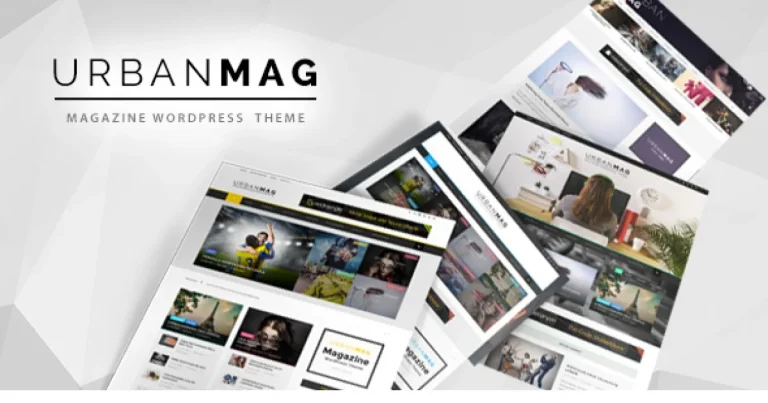
During configuration, teams handling high-volume publishing often pair the theme with a stronger editorial scaffold; Urban Mag News & Magazine WordPress is a GoodLayers-built alternative for news portals with heavy layout demands, useful as a reference point when scoping section depth.
Frequently Asked Questions
Can I run multiple Fonix demo concepts on a single WordPress installation?
Yes. All four demos ship from one codebase, so a staging site can import Main, Fashion, Personal, or Food layouts and switch composition by re-importing or adjusting homepage sections, though each import adds its own demo content and settings.
Does importing a demo replace my existing posts and pages?
No. Demo import adds its own content, menus, and layout settings alongside existing data. Standard practice is to run the import on a clean staging installation, then remap or delete placeholder entries before pointing the live domain at it.
Do I need a page builder plugin to edit the demo layouts?
No. The demos are designed around the theme’s own administrative layout options and the native WordPress editor. Layout composition of homepage sections happens through the theme settings, so core plugin dependencies stay minimal out of the box.