Invena – Business Consulting WordPress Theme
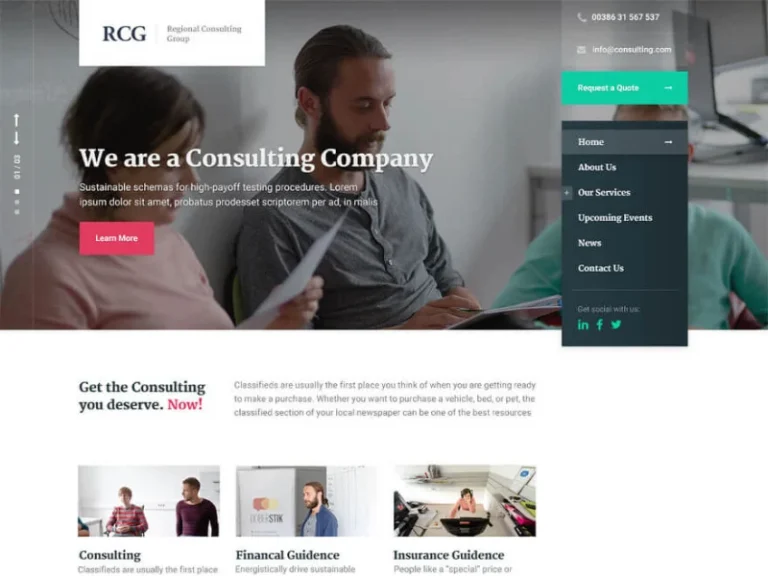
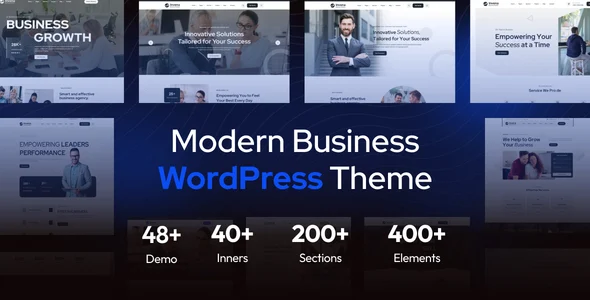
Invena is a Business Consulting WordPress Theme built on Elementor and Bootstrap 5, with 44+ demo layouts, WooCommerce support, and WPML readiness for agencies.
- Daily automated updates
- VirusTotal 0/70 clean
- Licensed under GPL
- Secure 256-bit checkout
- Instant direct cloud link
What Is Invena Business Consulting WordPress Theme?
Invena Business Consulting WordPress Theme is a WordPress theme, engineered for agencies and independent developers to deploy corporate, consulting, finance, insurance, HR, and marketing websites without writing template code from scratch. It resolves the common bottleneck of hand-assembling header, footer, mega menu, and off-canvas systems per client by exposing each of these layers as Elementor-editable modules with display conditions. In production, the package functions as a full-site rendering layer: it supplies demo datasets, a child theme, and a template library that shorten staging-to-launch cycles for repeat client builds.
Key Features of the Theme
The theme executes page output through the WordPress template hierarchy, overriding front-end markup with Elementor-rendered sections while SCSS compiles the base stylesheet and bundled JS handles interactive states. Every layout region — header, footer, off-canvas panel, and mega menu — is built and stored as an Elementor template, then injected conditionally at render time.
Architectural Highlights
- Header and Footer Builders: Headers and footers are constructed as Elementor templates with per-page, per-post-type, user-role, device-type, and taxonomy-based display conditions. Sticky and transparent header modes are toggle-level settings rather than custom CSS work.
- Off-Canvas System: Panels accept any Elementor widget and can be triggered by buttons, icons, menu items, or scroll events. Developers set width, position (left, right, top, bottom), animation type (slide, fade, push, zoom), overlay behavior, ESC-key closing, and click-to-close from builder controls.
- Mega Menu Builder: Multi-column navigation structures support WooCommerce widgets (product categories, featured items, cart elements), contact forms, maps, and SVG or font icons, with hover, click, and tap triggers plus sticky or full-width alignment modes.
- One-Click Demo Import and Template Library: 44+ demo homepages and 50+ inner page templates are imported as complete datasets, then individual sections can be pulled from the library without re-importing a full demo.
- Global Design Tokens: Color palettes and typography are managed from a centralized panel and propagate across all pages, keeping design values consistent when client branding changes mid-project.
For agencies maintaining a portfolio of adjacent corporate builds, pairing this codebase with a complementary engine such as Lumex Business Consulting WordPress Theme gives teams a second Bootstrap 5-based consulting baseline when a client requires a different layout vocabulary. Commerce requirements are handled natively: WooCommerce 7.x through 9.x compatibility lets the same theme instance run product or service checkout flows alongside marketing content.
Who Should Use This Theme?
This theme fits WordPress agencies and freelance developers delivering corporate identity sites for consultants, tax advisors, financial firms, HR companies, insurers, and marketing agencies on short timelines. It suits teams that standardize on Elementor as their rendering layer and want pre-solved navigation, header, and footer architecture instead of custom PHP templating. Because page building happens through drag-and-drop with live preview, non-technical stakeholders can revise content after handoff without touching the codebase. It is not intended for developers building block-editor-first (Gutenberg) projects — the package is explicitly not Gutenberg optimized — nor for headless or decoupled front-end architectures that bypass WordPress theme rendering entirely. Teams needing heavily customized post-type slugs should note that prior changelog entries document slug-change fixes, so review behavior before altering defaults.
Compatibility & Runtime Requirements
Baseline runtime constraints center on WordPress core versions 6.5.x through 7.0.x and the Elementor plugin as the mandatory rendering dependency.
| Engineering Metric | Deployment Specification |
|---|---|
| Base Technology / Framework | Underscores starter framework, Bootstrap 5.x, SCSS source files |
| Runtime / Language Requirements | WordPress 6.5.x–7.0.x; PHP Files, CSS, SCSS, JS shipped in package |
| Data Exchange / Protocols | WPML and Polylang for multilingual routing; RTL language support |
| Core Dependencies | Elementor (page builder), Slider Revolution (bundled), WooCommerce 7.x–9.x |
| Storage / Delivery Footprint | 4+ column layouts, widget-ready sidebar regions, retina/high-resolution assets, demo content importer and child theme included |
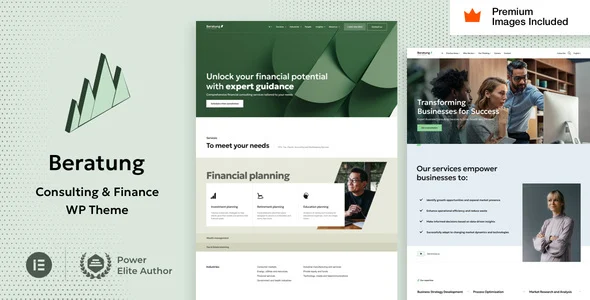
Browsers verified in testing include Chrome, Safari, Firefox, Edge, Opera, IE10, and IE11. Where a client engagement demands an alternate consulting vertical codebase, Beratung Consulting Finance WordPress operates as a parallel Elementor Pro finance-oriented build within the same deployment workflow.
How to Install & Deploy the Theme
- Environment Pre-check: Confirm the server runs a supported WordPress version (6.5.x–7.0.x), install and activate Elementor, and verify WooCommerce if commerce flows are in scope.
- Package Upload: Upload the theme archive through the WordPress administration interface (Appearance → Add New → Upload), or transfer the extracted files to wp-content/themes via SFTP. The bundle ships PHP, CSS, SCSS, and JS files plus a child theme.
- Direct Activation: Activate the theme from the Appearance screen. Administrative panels for theme options, demo import, and the template library become operational immediately, and bundled plugin prompts (Slider Revolution, demo importer) install from the in-dashboard bundler.
- Configuration & Testing: Run the one-click demo importer to hydrate a chosen demo dataset, assign header and footer templates per page or post type, adjust global color and typography tokens, and validate responsive output across desktop, tablet, and mobile breakpoints before going live.
For corporate consulting engagements that need a second interchangeable layout system under the same hosting stack, ConsultPress Business WordPress Theme provides a comparable corporate codebase with multilanguage coverage, letting agencies swap baseline themes per client without changing deployment procedures.
Frequently Asked Questions
Does the theme include the demo images used on the demo site?
Yes. The documentation states all images are included in the final purchase, alongside the child theme, demo content importer, and template library, so imported demos render with their original photography rather than placeholder graphics.
Is the theme compatible with right-to-left language deployments?
Yes. RTL support is built into the theme’s design system, including the footer builder, and it pairs with WPML or Polylang so translated pages inherit layout direction without custom stylesheet overrides.
Can different headers be assigned to individual pages or post types?
Yes. The header builder supports per-page and per-post-type assignments, with additional display conditions covering user roles, device types, and custom taxonomies for granular template targeting.