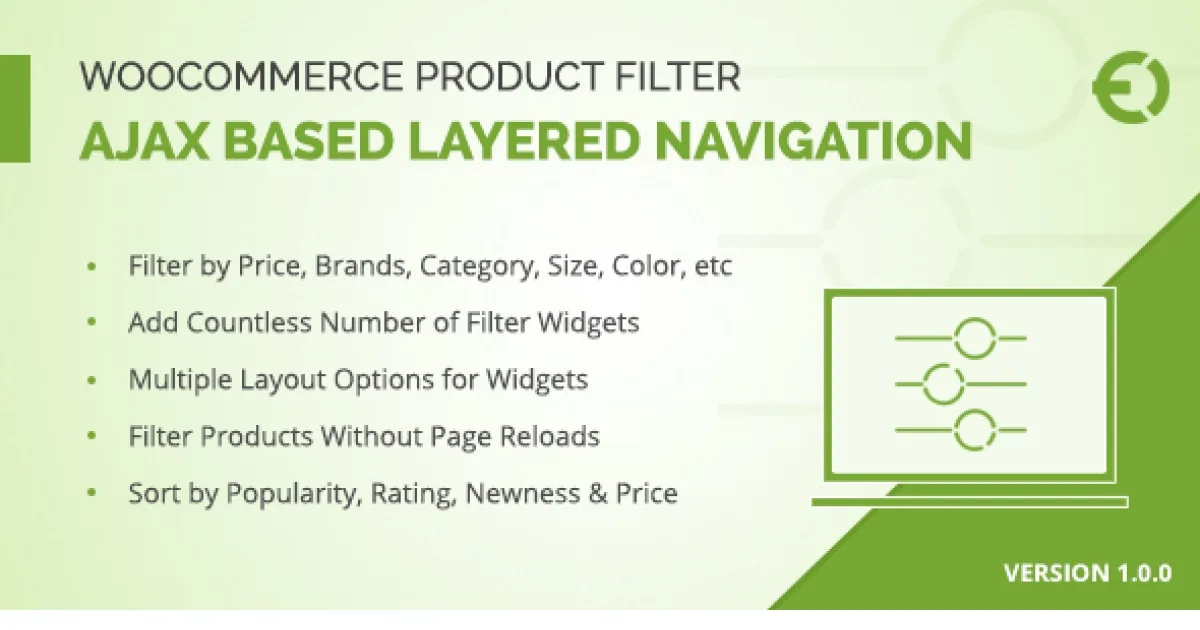
Ajax Layered Navigation WooCommerce Extension
Ajax Layered Navigation WooCommerce is a filtering plugin that lets developers rebuild shop archive filtering without full page reloads, for stores.
- Daily automated updates
- VirusTotal 0/70 clean
- Licensed under GPL
- Secure 256-bit checkout
- Instant direct cloud link
What Is Ajax Layered Navigation WooCommerce?
Ajax Layered Navigation WooCommerce is a WordPress plugin built for WooCommerce store developers and agencies to replace full-page-reload product filtering with asynchronous, partial-render navigation. It resolves the core bottleneck of native WooCommerce layered nav widgets, where each attribute or price selection triggers a complete archive page rebuild and re-render cycle. In production, it operates as a drop-in replacement for the default filter widgets, intercepting filter interactions and re-rendering only the product loop region.
Key Features of the Plugin
The module executes filtering through asynchronous HTTP requests dispatched to WooCommerce shop endpoints, receiving HTML fragments or query-modified results that replace the current product grid without a document reload. Filter state is reflected in the URL, keeping filtered views shareable and back-button compatible.
Architectural Highlights
- Asynchronous Filter Dispatch: Attribute, price, and taxonomy selections trigger background requests; only the product listing block is swapped, cutting render cycles versus standard WooCommerce archive navigation.
- Multiple Filter Widget Types: The package supplies layered navigation widgets for product attributes, categories, and price ranges, deployable into any widget area or shop sidebar slot within the theme.
- URL State Synchronization: Applied filters update the browser address bar so filtered result sets can be bookmarked, shared, and navigated with standard history controls.
- Theme Sidebar Integration: Widgets hook into the standard WordPress widget system, so placement follows the active theme’s registered sidebars rather than requiring template edits.
- Multi-Attribute Combination: Filters compose cumulatively, letting shoppers stack attribute terms and price bounds in a single query rather than resetting between selections.
Stores that also need per-product option fields can pair this engine with WooCommerce Product Addons, which handles configurable option layers while the navigation module governs archive-level discovery.
Who Should Use This Plugin?
This codebase targets WooCommerce developers and agency teams building stores with large, attribute-heavy catalogs where default layered navigation creates measurable friction and excessive server round trips. It fits client commerce projects where the shop sidebar needs filter widgets that behave consistently across attribute taxonomies. It is not intended for non-technical store operators seeking visual builders, since correct behavior depends on a theme exposing proper WooCommerce archive templates and widget-ready sidebar regions. Headless or fully decoupled frontends should evaluate it separately, as its rendering model assumes a standard WordPress-rendered shop loop. Retailers running attribute-dense catalogs, such as a plant store deployed with Flacio Plants Shop WooCommerce WordPress Theme with AI, represent the typical deployment profile.
Compatibility & Runtime Requirements
The plugin operates within a standard WordPress and WooCommerce stack, inheriting the runtime constraints of that parent ecosystem rather than imposing custom thresholds.
| Engineering Metric | Deployment Specification |
|---|---|
| Base Technology | PHP WordPress plugin architecture |
| Parent Ecosystem Dependency | WordPress Core with active WooCommerce installation |
| Runtime Baseline | Standard WordPress Core PHP environment |
| Request Protocol | Asynchronous HTTP (Ajax) requests against shop archive endpoints |
| Integration Surface | Native WordPress widget system and registered theme sidebars |
Limitations & Technical Considerations
The plugin’s scope is bounded by the WooCommerce archive template hierarchy. Because it swaps the product loop region via Ajax responses, themes that aggressively override the shop archive markup with non-standard structures may produce mismatched fragments, requiring template alignment before filters render coherently. Filter widget behavior also depends on the active theme registering sidebar areas where the widgets can be placed; a theme without widget-ready shop sidebars offers no natural insertion point. The module operates on WooCommerce’s native product taxonomies and attributes, so highly customized data models storing filterable criteria outside standard taxonomy tables will not be picked up automatically. As with any Ajax-driven filtering layer, high-traffic stores should confirm that unfiltered archive queries are cached at the object or page level, since every filter interaction issues a server request even though the client repaints only a fragment. Testing in a staging environment against the production theme is the recommended pre-deployment step.
Frequently Asked Questions
Does the plugin require editing theme template files to work?
No, it supplies standard WordPress widgets that deploy into the active theme’s registered sidebar areas. Template edits are only needed when a theme uses highly customized shop archive markup that diverges from WooCommerce conventions.
Are filtered result states preserved in the browser URL?
Yes, applied filter combinations are written back to the address bar. This keeps filtered views shareable, bookmarkable, and compatible with the browser’s back and forward history navigation controls.
Can multiple filters be applied simultaneously to one query?
Yes, the engine composes selections cumulatively. Shoppers can stack attribute terms, category bounds, and price ranges into a single combined query instead of resetting filters between interactions.
Does it work without WooCommerce installed?
No, WooCommerce is the parent ecosystem dependency. The plugin hooks into WooCommerce shop archives, product taxonomies, and attribute data structures, so an active WooCommerce installation is mandatory before activation.
}