Course Builder – Online Course WordPress Theme
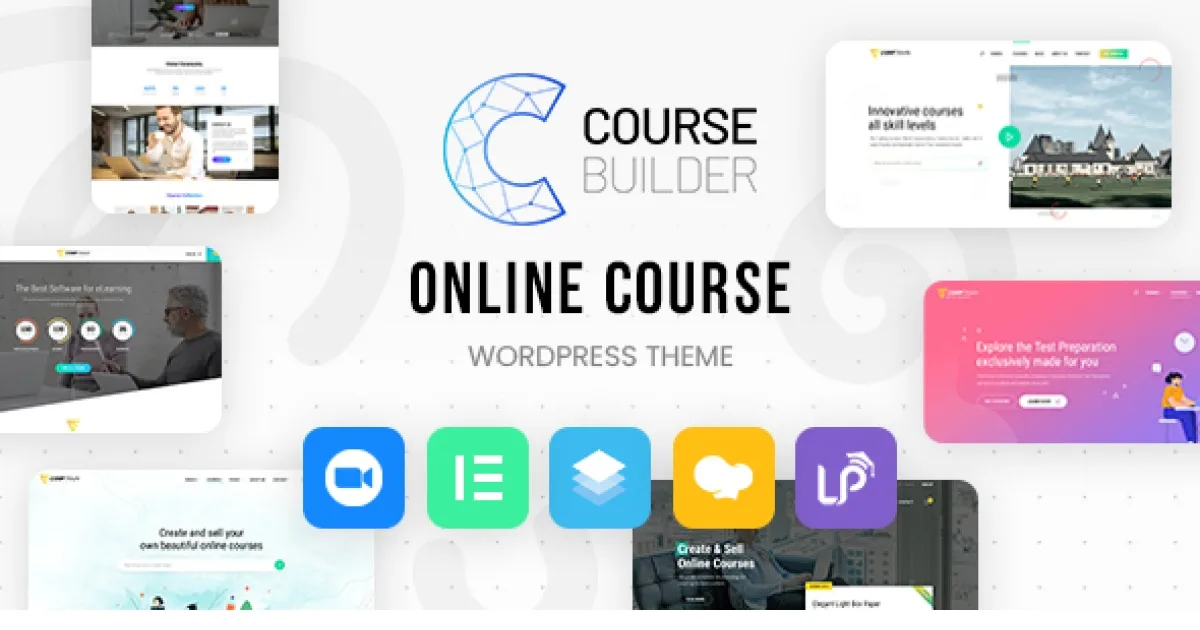
Course Builder - Online Course WordPress Theme is a LearnPress-based LMS theme with Elementor, WPBakery, and WooCommerce for instructors and schools.
- Daily automated updates
- VirusTotal 0/70 clean
- Licensed under GPL
- Secure 256-bit checkout
- Instant direct cloud link
What Is Course Builder – Online Course WordPress Theme?
Course Builder – Online Course WordPress Theme is a WordPress multipurpose LMS theme, engineered for instructors, education centers, schools, and universities to build and operate online course platforms. It resolves the core architectural bottleneck of coupling course delivery logic with storefront commerce by integrating LearnPress as the LMS engine and WooCommerce as the payment layer. In production workflows, it functions as a complete deployment base for education sites where curriculum management, live teaching, and checkout operations must coexist under one template hierarchy.
Key Features of the Theme
The package renders course, quiz, and lesson pages through the WordPress template hierarchy while delegating layout composition to a page builder, so instructors can assemble course landing pages without editing PHP templates.
Architectural Highlights
- LearnPress LMS Integration: Course data structures (curriculum sections, lessons, quizzes) are managed by the LearnPress plugin layer, keeping enrollment and progress state separate from presentation templates.
- Dual Page Builder Support: The codebase ships layouts compatible with both Elementor and WPBakery, letting teams select a builder per project rather than being locked to one rendering pipeline.
- Live Courses Module: Scheduled live teaching sessions are supported as a first-class course type, enabling real-time instruction alongside asynchronous lesson content.
- WooCommerce Commerce Layer: Course purchases route through WooCommerce checkout, so payment gateways, order records, and tax handling follow the standard WooCommerce data flow.
- ThimPress Shortcodes: A shortcode library exposes course grids, instructor profiles, and LMS components for embedding into any builder or raw content area.
When a build requires richer course metadata structures beyond the bundled fields, pairing this theme with Advanced Custom Fields Pro lets developers register reusable field groups for instructors and course attributes without hardcoding custom post type schemas.
Who Should Use This Theme?
This architecture fits WordPress agencies and freelance developers delivering education client projects, plus institutions that maintain their own in-house WordPress stacks. It suits teams who want a pre-integrated LMS-plus-commerce pipeline rather than assembling LearnPress, WooCommerce, and a theme manually. It is not intended for non-technical users expecting a zero-configuration hosted LMS: operating course enrollment, payment gateways, and page builders assumes familiarity with the WordPress admin and plugin dependencies. Developers evaluating alternative education stacks can also review University – Education, Event and Course Theme, which takes an event-and-ticketing oriented approach with LearnDash support.
Compatibility & Runtime Requirements
Deployment requires a standard WordPress environment with the documented companion plugins active before course features become operational.
| Engineering Metric | Deployment Specification |
|---|---|
| Base Technology | WordPress Theme (PHP template layer) |
| LMS Engine | LearnPress plugin (ThimPress) |
| Commerce Dependency | WooCommerce for course checkout and orders |
| Layout Builders | Elementor and WPBakery compatibility |
| Component Exposure | ThimPress shortcode library |
| Marketing Stack | Compatible with popular marketing tools |
Real-World Use Cases & Implementation
Three production scenarios illustrate where this codebase resolves distinct operational bottlenecks. First, a training center selling both self-paced and live courses can run asynchronous LearnPress lessons and scheduled live sessions from one installation, with all purchases reconciled through WooCommerce order records. Second, a university department can prototype a public-facing course catalog by assembling demo layouts in Elementor or WPBakery, then handing content editing to non-developer staff through builder widgets instead of template files. Third, an agency managing multiple education clients can standardize on one theme codebase across deployments, reusing shortcode-driven course grids and instructor profiles per project. Teams comparing LMS-first alternatives may weigh this against Academy LMS Pro, a standalone PHP script for self-hosted course platforms outside the WordPress ecosystem.
Frequently Asked Questions
Can the theme render layouts with both Elementor and WPBakery?
Yes. The package ships compatibility with both page builders, so a team can select the rendering pipeline per project or migrate layouts between builders without changing the underlying theme installation.
Does course selling require WooCommerce to be installed?
Yes. Purchases and checkout for courses run through the WooCommerce commerce layer, so the plugin must be active for paid enrollments; free course delivery can operate through LearnPress alone.
Are live teaching sessions a separate course type?
Yes. Live Courses are supported as a distinct course mode alongside standard asynchronous lessons, allowing scheduled real-time instruction within the same LearnPress course structure.