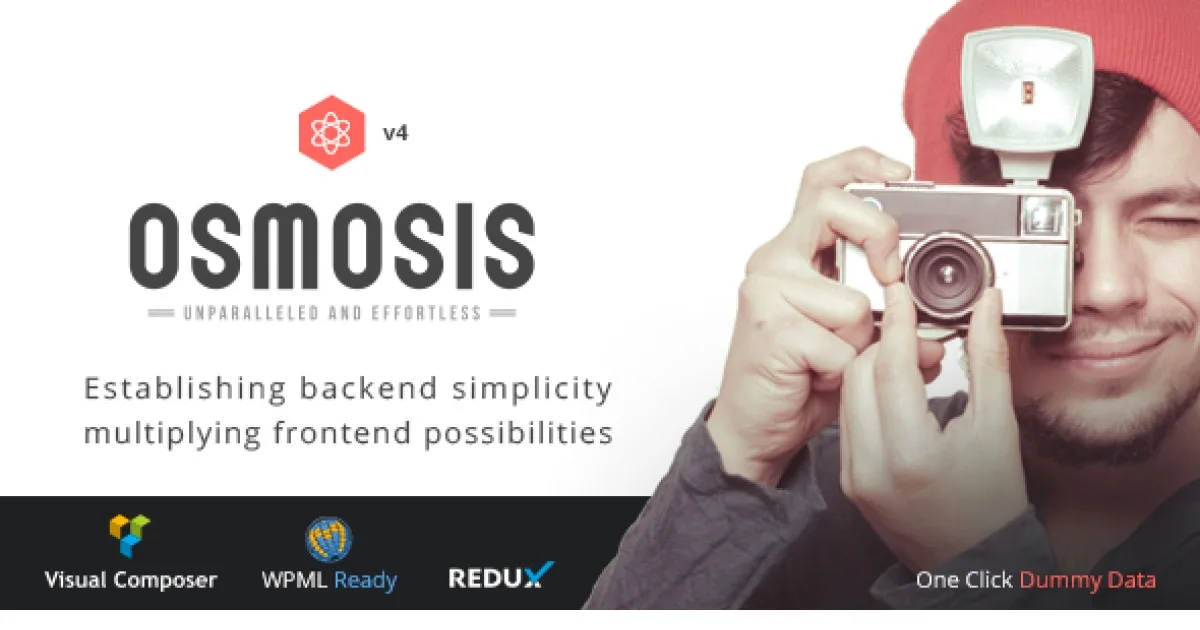
Osmosis – Responsive Multi-Purpose WordPress Theme
Osmosis Multipurpose WordPress Theme is a responsive WordPress codebase for developers building retina-ready business and portfolio sites fast.
- Daily automated updates
- VirusTotal 0/70 clean
- Licensed under GPL
- Secure 256-bit checkout
- Instant direct cloud link
What Is Osmosis Multipurpose WordPress Theme?
Osmosis Multipurpose WordPress Theme is a WordPress theme, engineered for developers and agencies to assemble business-oriented and creative client websites from swiftly customizable templates. It resolves the bottleneck of rebuilding layout systems per project by exposing reusable grid, multi-grid, and masonry structures alongside prebuilt case-study patterns. Within agency staging workflows, it functions as the base presentation layer that renders content through the native WordPress template hierarchy.
Key Features of the Theme
Osmosis parses page context at request time, resolves the matching template file through the WordPress template hierarchy, then emits the DOM tree where portfolio modules hydrate their grid layouts. Rendering output is calibrated for high pixel-density screens, eliminating blur or layout breakage on retina displays.
Architectural Highlights
- Multi-Mode Portfolio Grid Engine: The portfolio module supports grid, multi-grid, and masonry rendering styles, each selectable per archive view, with the alter hover effect applied as a presentation-state overlay on item interaction.
- Template Reusability Layer: Prebuilt, customizable templates shorten delivery cycles; agencies can fork a pattern per client rather than rebuilding markup from zero.
- Retina Rendering Path: Display logic is future-proofed for high pixel density devices, so imagery and typography stay sharp without per-device CSS patching.
- Creative and Business Pattern Set: Detailed case studies document how the codebase composes both business-oriented and creative site types, giving teams a reference architecture for any customer brief.
When a client project expands beyond portfolios into commercial deliverables, pairing this architecture with Flatsome | Multi-Purpose Responsive WooCommerce Theme covers the shop and checkout layer without replacing the theme foundation.
Who Should Use This Theme?
This codebase fits freelance developers and agency teams who deliver multiple varied client sites from one base package: business sites, creative showcases, and portfolio-driven work. Teams who rely on case-study references to align design decisions with client expectations will find the documented patterns directly applicable. It is not intended for operators who need a fully code-free, drag-and-drop-only builder experience, or for projects requiring specialized vertical logic such as vacancy boards; those scenarios are better served by a dedicated package like Careerfy – Job Board WordPress Theme, which ships WP Job Portal layouts and WPML translation out of the box.
Compatibility & Runtime Requirements
Deployment requires a standard self-hosted WordPress environment; the package operates as an autonomous theme source with no external runtime services.
| Engineering Metric | Deployment Specification |
|---|---|
| Base Technology / Framework | WordPress theme engine, PHP template hierarchy |
| Runtime / Language Requirements | PHP-rendered server runtime per WordPress hosting baseline |
| Data Exchange / Communication Protocols | HTTP request/response over the WordPress rendering pipeline |
| Core Dependencies / Engine Compatibility | Self-hosted WordPress core; standard hosting stack (web server, PHP, database) |
| Database / Storage Footprint | Uses native WordPress content storage; no proprietary database schema required |
How to Install & Deploy the Theme
- Environment Pre-check: Confirm the target server runs a supported WordPress installation with PHP and database services online, and back up the active theme directory before any swap.
- Package Upload: Transfer the theme archive through the WordPress administration interface under Appearance, or place the extracted theme folder directly into wp-content/themes via SFTP.
- Direct Activation: Activate the theme from the administration panel; template files, portfolio modules, and administrative menus initialize immediately and the front end begins rendering through the new hierarchy.
- Configuration & Testing: Open the theme options to set template, grid, and hover preferences, import or build portfolio entries, and validate responsive and retina output across viewports before go-live.
Frequently Asked Questions
Does the portfolio module require a separate plugin to render masonry layouts?
No, the grid, multi-grid, and masonry styles ship as built-in portfolio options. Developers select the rendering style per view from the theme configuration, and the alter hover effect attaches to items automatically.
Will layouts break or blur on high pixel density devices?
No, the theme is engineered to remain sharp on retina-class screens. Its responsive rendering path adapts the DOM output to pixel density, preventing blur or structural breakage across supported viewports.
Can the same base theme serve both business and creative client builds?
Yes, documented case studies show the architecture composing business-oriented and creative websites. Teams fork the matching template pattern per engagement, reusing grid and hover systems without code rewrites.