WP JobSearch Plugin
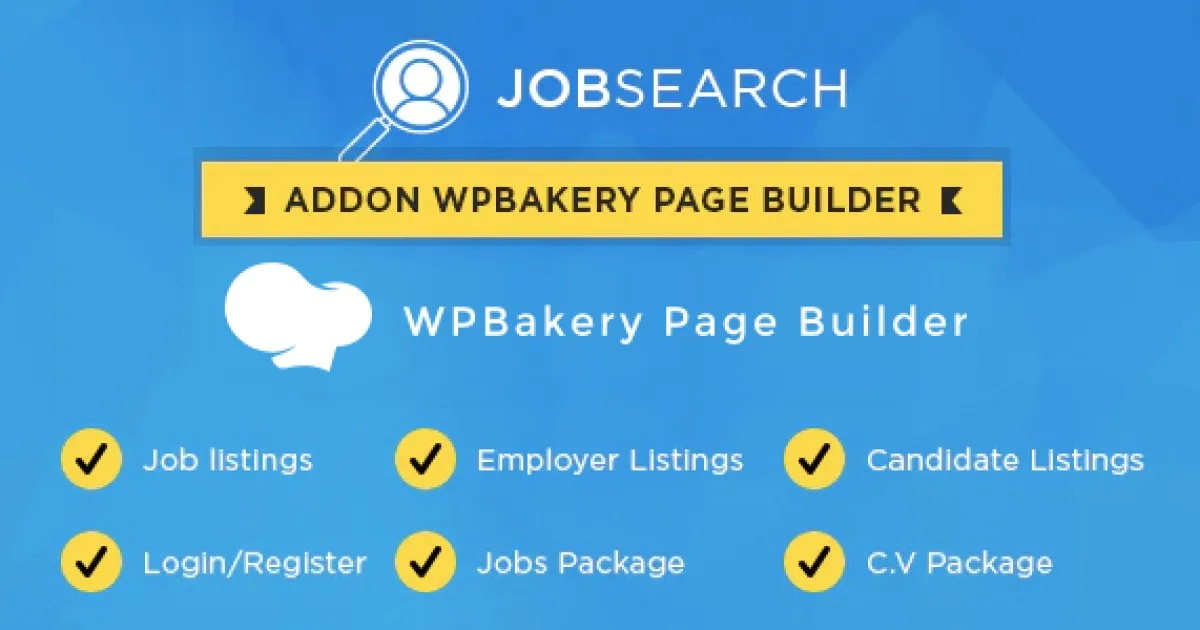
Jobsearch WP Job Board WordPress Plugin delivers account login, signup, password reset, job alerts, skill selection, and activation workflows for WordPress developers.
- Daily automated updates
- VirusTotal 0/70 clean
- Licensed under GPL
- Secure 256-bit checkout
- Instant direct cloud link
What Is Jobsearch – WP Job Board WordPress Plugin?
Jobsearch – WP Job Board WordPress Plugin is a PHP-based WordPress plugin, engineered for developers and agencies to run self-hosted job board functionality inside a standard WordPress installation. It resolves the operational bottleneck of managing candidate and employer lifecycle states — registration, activation, credential recovery, and alert dispatch — without stitching together separate membership and notification systems. In production, it operates as the account and matching layer for a job posting site, handling front-end user flows and background alert generation.
Key Features of the Plugin
The plugin processes user input through WordPress-native authentication routines, persists candidate profile data into the WordPress user system, and dispatches event-driven outputs such as alert emails and activation notices. Each module below maps to a documented production feature of the codebase.
Architectural Highlights
- Authentication Module (Login / Signup / Password Reset): The plugin registers dedicated login, signup, and reset password flows rather than relying solely on the native wp-login.php screen. Credentials are validated against the WordPress users table, and password reset requests execute the standard recovery token dispatch, keeping account state synchronized with core user records.
- Account Activation Pipeline: Newly registered accounts pass through an activation gate before gaining full front-end privileges. This stateful check prevents unverified signups from interacting with job application and posting surfaces until the activation step completes, reducing spam account accumulation.
- Select Skills Module: Candidates attach skill selections to their profiles, creating structured taxonomy data that job-side queries can match against. This gives recruiters filterable, queryable candidate attributes instead of free-text resumes.
- Job Alerts Engine: The alerts subsystem generates scheduled notifications so candidates receive relevant openings without manually re-querying the listings archive. Alerts are tied to saved search criteria from the candidate profile.
- Answers Module: A structured question-and-answer surface lets candidates respond to defined prompts, adding standardized screening data to profiles that can be reviewed during shortlisting.
For sites where gated candidate areas or premium listings are required alongside the board, pairing this architecture with Restrict Content Pro Plugin allows role-based content gating over the candidate dashboard without custom membership code.
Who Should Use This Plugin?
This plugin fits PHP developers and agencies assembling client job boards — recruitment portals, internal HR sites, or niche industry hiring platforms — on WordPress. It suits teams comfortable wiring front-end templates to the plugin’s account and listing flows and extending them with custom post type logic. It is not intended for non-technical site owners expecting a fully visual page-builder job board with no configuration, since candidate lifecycle states and template integration assume developer involvement. Agencies running multiple vertical builds can reuse the activation and alert modules as a standard hiring baseline across client projects.
Compatibility & Runtime Requirements
The plugin operates as a standard WordPress extension, so baseline runtime constraints follow the WordPress core environment rather than custom server stacks.
| Engineering Metric | Deployment Specification |
|---|---|
| Base Technology / Framework | WordPress Plugin Architecture (PHP) |
| Runtime / Language Baseline | Standard WordPress Core PHP Environment |
| Parent Ecosystem Dependency | WordPress Core (users table, authentication APIs, cron scheduling) |
| Account Data Storage | WordPress native user records and profile meta |
| Notification Channel | WordPress wp_mail dispatch for activation and job alerts |
When the job board sits inside a broader commerce or corporate build, agencies commonly pair it with a multipurpose theme; for example, structuring a hiring site for a construction or industrial client using Structure Construction Industrial Factory WordPress Theme gives the plugin’s front-end flows an industrial-grade visual container.
Limitations & Technical Considerations
The plugin’s documented scope covers account lifecycle and matching features — login, signup, reset, activation, skills, alerts, and answers — not full employer-side billing or multi-step application funnels beyond these modules. Job alert delivery depends on WordPress cron execution, so hosts with suppressed wp-cron require an external scheduler trigger for reliable dispatch timing. Activation emails transit the server’s mail transport, meaning deliverability depends on correct SPF/DKIM configuration at the infrastructure level rather than within the plugin itself. Skill and answer data live in the WordPress user meta layer, so very large candidate volumes should account for meta query performance during filtering.
Frequently Asked Questions
Does the plugin require external membership software to handle candidate registration?
No. Signup, login, password reset, and account activation are handled by the plugin’s own authentication modules, which write to and validate against the native WordPress users table directly.
Are job alerts dispatched immediately when a new job is published?
No. Alerts run through the scheduled notification engine tied to each candidate’s saved criteria, so delivery timing follows the site’s cron execution rather than synchronous publish-time dispatch.
Can candidates be filtered by their selected skills on the front end?
Yes. The Select Skills module attaches structured skill data to candidate profiles, enabling job-side matching and filterable queries against those stored taxonomy selections.
What happens to an account before the activation step completes?
The account remains in an unactivated state and cannot fully participate in job board interactions until the activation gate clears, preventing unverified signups from applying or posting.