Structure – Construction Industrial Factory WordPress Theme
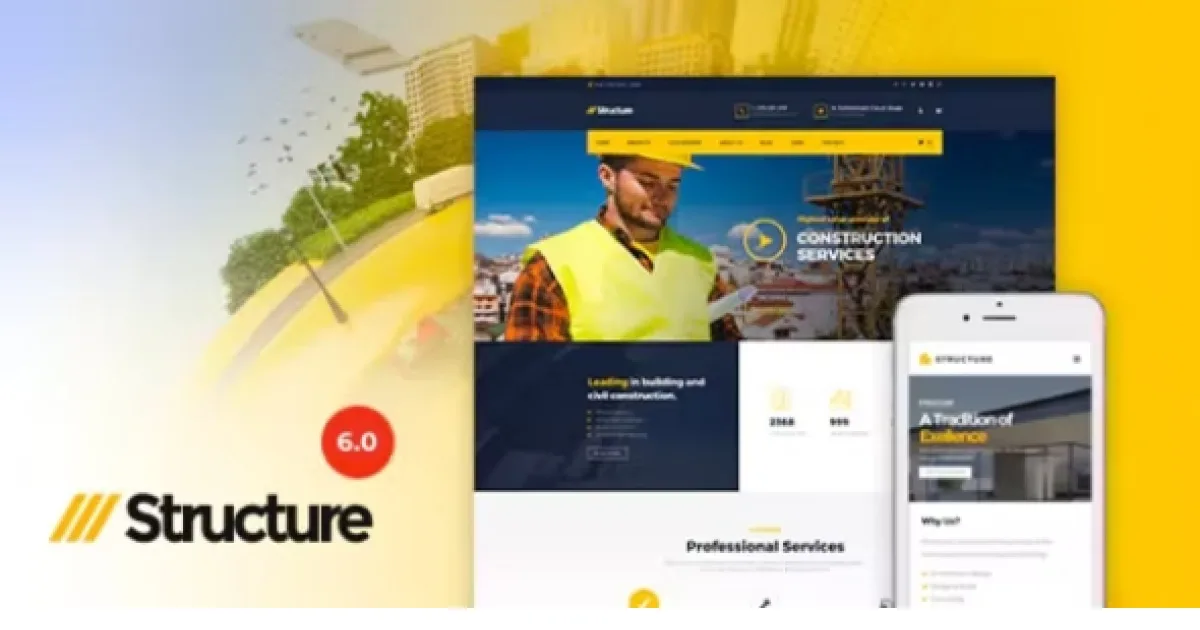
Structure Construction WordPress Theme delivers an industrial and factory site architecture with Elementor layouts, project showcases, and service templates for agencies.
- Daily automated updates
- VirusTotal 0/70 clean
- Licensed under GPL
- Secure 256-bit checkout
- Instant direct cloud link
What Is Structure Construction WordPress Theme?
Structure is a WordPress theme engineered for agencies and freelance developers building web presences for construction firms, industrial factories, and contractor businesses. It resolves the recurring bottleneck of assembling sector-specific page architectures — service catalogs, project portfolios, and crew profiles — that generic multipurpose themes force developers to hand-assemble from blank layouts. In production, it functions as a deployable parent package: install it, import a demo configuration, and replace placeholder content with client data through the WordPress administration interface.
Key Features of the Theme
Rendering begins when WordPress resolves the template hierarchy against the theme’s view files; requests are dispatched to archive and single templates, which compose header, footer, and modular content sections before the DOM tree is emitted to the browser. Styling and interactivity ship as bundled CSS and JavaScript assets that attach to standard WordPress enqueue hooks, keeping asset fragmentation contained to the files the active page actually requires.
Architectural Highlights
- Sector-Specific Page Templates: Pre-built layouts cover services, projects, about, and contact views, so each client engagement starts from a completed structural skeleton rather than empty containers.
- Page Builder Compatibility: The package integrates with drag-and-drop page building, letting developers rearrange sections and adjust container structure without editing raw PHP view files.
- Project and Service Content Modules: Dedicated portfolio-style presentation for completed builds and service listings gives crawlers consistent, semantic markup patterns across every archive and single view.
- Contact and Inquiry Routing: Built-in contact layouts funnel visitor inquiries into a defined output channel, a core operational requirement for lead generation on contractor sites.
- Responsive Breakpoint Handling: The stylesheet layer adapts grid and section behavior across viewport widths, protecting layout stability and reducing cumulative layout shift on mobile delivery.
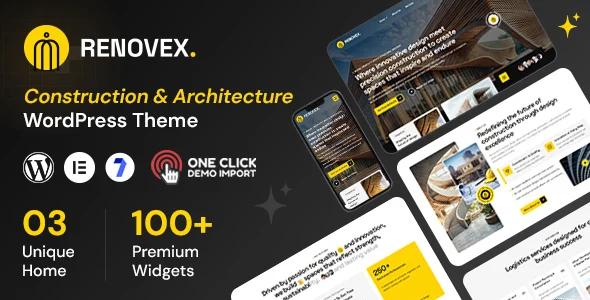
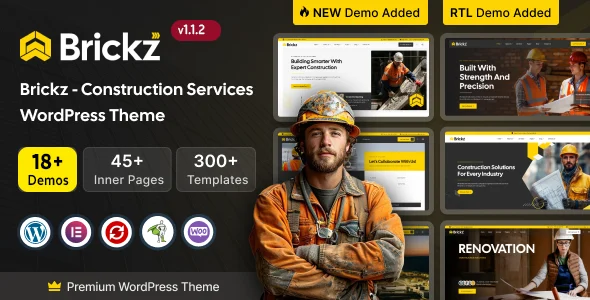
Teams that need alternate construction-sector starting points can benchmark this package against Renovex Construction WordPress Theme, which ships three Elementor homepage layouts with demo import and WPML support, or Brickz Construction WordPress Theme, an Elementor-driven codebase offering eighteen-plus demos and an RS Template Builder.
Who Should Use This Theme?
This architecture targets WordPress developers and small agency teams delivering brochure-grade corporate sites for builders, industrial manufacturers, and factory operators on compressed timelines. It fits client engagements where the deliverable is a content-managed marketing site with service pages, project galleries, and inquiry capture — not an application platform. It is not intended for engineering teams building headless WordPress decoupled front ends, nor for non-technical site owners who expect to operate entirely without a developer staging and configuring the package first.
Compatibility & Runtime Requirements
Deployment requires a standard LAMP or equivalent WordPress hosting stack, with runtime ceilings governed by the hosting provider’s PHP and memory configuration rather than by the package itself.
| Engineering Metric | Deployment Specification |
|---|---|
| Base Technology | WordPress theme package (PHP template architecture) |
| Runtime Requirements | PHP runtime per current WordPress core requirements; MySQL/MariaDB backing database |
| Data Exchange | HTTP/HTTPS request-response via WordPress template hierarchy and admin-ajax where applicable |
| Core Dependencies | WordPress core; bundled page builder integration; standard enqueue pipeline for CSS/JS assets |
| Storage Footprint | Theme directory plus WordPress uploads storage for demo-imported media assets |
How to Install & Deploy the Theme
The deployment path follows the standard WordPress administrative workflow; no external verification steps sit between activation and production use.
- Environment Pre-check: Confirm the server meets current WordPress core PHP requirements, verify the database is reachable, and ensure the active page builder plugin dependency is installed before theme upload.
- Package Upload: Transfer the theme archive through the administration interface under Appearance → Add New → Upload, or place the extracted directory into wp-content/themes via SFTP.
- Direct Activation: Click Activate; the theme’s templates, administrative menus, and content modules initialize immediately and become operational across the site.
- Configuration & Testing: Run the demo import routine to establish baseline content structures, then swap placeholder data with client services, projects, and branding, and validate rendered output across breakpoints.
For deployments serving international audiences, WPML-style multilingual configuration can be layered on after activation, as supported in comparable packages such as Renovex.
Frequently Asked Questions
Does the theme include one-click demo content import?
Yes. The package provides a demo import routine that establishes the baseline page structures and media placeholders, after which developers replace the imported content with client-specific services and project data through the admin interface.
Can project portfolios and service pages be extended with additional fields?
Yes. Because the theme renders content through the standard WordPress template hierarchy, developers can extend the underlying content structures with field plugins and custom templates, keeping presentation logic separate from data entry.
Is the layout editable without touching PHP files?
Yes. Page builder integration exposes section arrangement and container configuration through a visual interface, so layout changes and content swaps occur in the administration layer rather than in raw template source files.