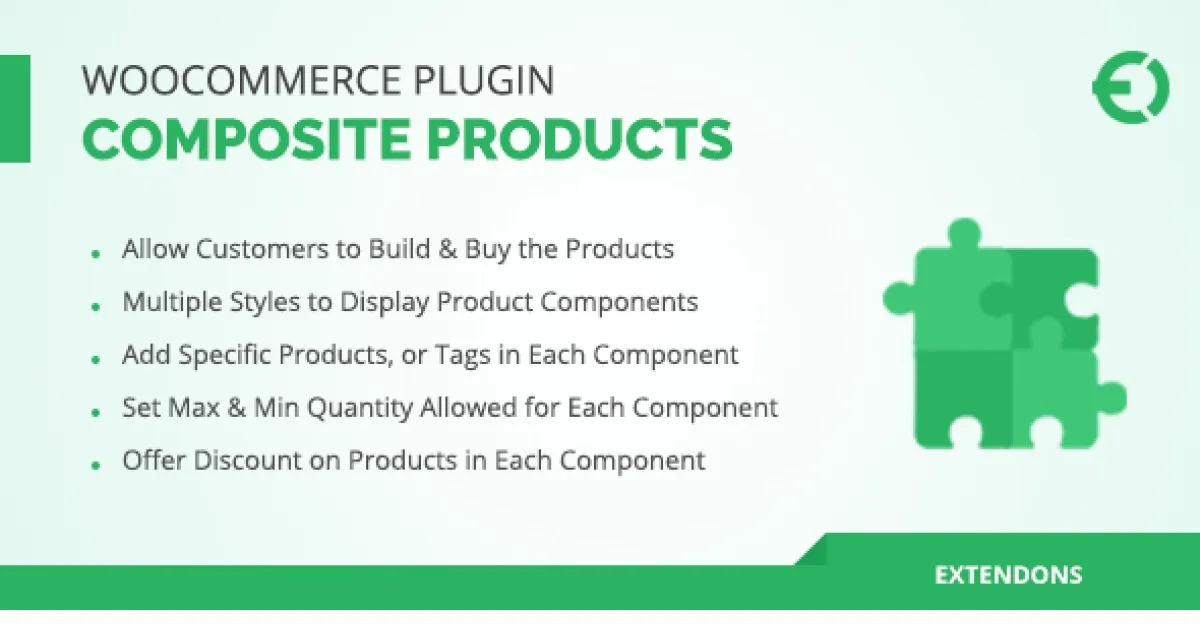
Composite Products WooCommerce Extension
Composite Products WooCommerce Extension builds configurable multi-component products like custom PC kits, letting developers chain variable components into one catalog SKU.
- Daily automated updates
- VirusTotal 0/70 clean
- Licensed under GPL
- Secure 256-bit checkout
- Instant direct cloud link
What Is Composite Products WooCommerce Extension?
Composite Products WooCommerce Extension is a WordPress/WooCommerce plugin, engineered for store developers and agencies to assemble multi-component, configurable products from existing catalog items. It resolves the bottleneck of native WooCommerce products only supporting a single SKU per purchase by letting a composite product bundle several related products, each with its own price range and variable options, into one buyable unit. In production, it operates as a self-contained storefront module that transforms component selection on the product page into a single aggregated add-to-cart action.
Key Features of the Plugin
The engine parses each composite product’s component list at render time, attaches per-component selection forms to the single product template, and dispatches the aggregated configuration through the WooCommerce cart pipeline when the customer submits. Pricing is recalculated on the fly from the selected variants rather than stored as a flat total.
Architectural Highlights
- Component-based product composition: Each composite product registers ordered components (CPU, RAM, hard disk) mapped to existing WooCommerce products, so catalog data is referenced rather than duplicated, keeping the database footprint flat.
- Variable-product component support: Components can reference variable products, exposing per-component price ranges ($70.00–$130.00 for CPU, $20.00–$40.00 for RAM) and deferring variant selection to the product page rather than a dropdown approximation.
- Single add-to-cart aggregation: Selected component variants are synchronized into one cart line item, so order records, inventory decrements, and checkout routing behave like a standard WooCommerce purchase.
- Dynamic total computation: The displayed price recomputes as options are chosen, driven by the underlying component price ranges instead of hard-coded totals, which keeps pricing consistent when component product prices change.
- Standard template integration: The module renders inside the native single-product template hierarchy, so theme overrides and standard WooCommerce hooks apply without custom shim code.
Who Should Use This Plugin?
The plugin targets WooCommerce developers and agencies building kit-style commerce, computer configurators, or any storefront where customers must select several related SKUs as one purchase. It fits client projects where components are already managed as regular or variable products and need to be composed, not rebuilt. Teams running dynamic pricing rules alongside composites can pair it with WooCommerce Flexible Pricing to apply cart-level discounts to the aggregated configuration. It is not intended for non-technical merchants who need a purely visual setup wizard, nor for stores that sell indivisible single-SKU goods with no component logic.
Compatibility & Runtime Requirements
The module runs inside a standard WordPress plus WooCommerce stack and depends on the parent e-commerce engine for cart, checkout, and order persistence.
| Engineering Metric | Deployment Specification |
|---|---|
| Base Technology / Framework | WordPress plugin extending the WooCommerce product architecture |
| Runtime / Language Requirements | PHP-driven server runtime meeting the WooCommerce core baseline |
| Data Exchange / Communication Protocols | Server-rendered product pages; cart state handled through the WooCommerce add-to-cart request cycle |
| Core Dependencies / Engine Compatibility | WooCommerce with support for simple and variable products as components |
| Database / Storage Footprint | Minimal; component references point to existing product records with no duplicated SKU tables |
How to Install & Deploy the Plugin
- Verify the staging or production server meets the WordPress and WooCommerce runtime baselines, and confirm WooCommerce is active with the component products (CPU, RAM, hard disk) already published as simple or variable products with their price ranges set.
- Upload the plugin archive through the WordPress administration interface, or transfer the extracted folder into the site’s plugins directory via SFTP.
- Activate the plugin from the plugins screen; composite product type registration, component selection interfaces, and administrative menus become fully operational immediately upon activation.
- Create a composite product, assign its ordered components, map each component to a catalog product, then load the product page to validate price-range recalculation and confirm a test composite lands in the cart as a single aggregated item. For related bundle patterns with per-item quantity rules, the architecture also interoperates conceptually with Product Bundles for WooCommerce.
Frequently Asked Questions
Can a component reference a variable product with multiple purchasable options?
Yes. Components map to variable products, so each component exposes its full price range and variant options directly on the composite product page, and the chosen variant feeds into the aggregated cart total.
Does changing a component product’s price require editing the composite product?
No. Composite pricing derives from the referenced component products’ own prices and ranges, so updating the CPU or RAM product price propagates to the composite total without manual reconfiguration.
Do composite purchases create separate cart items for each component?
No. Selected components are synchronized into a single cart line item at add-to-cart time, so checkout, order records, and stock handling follow the standard WooCommerce single-purchase flow.
Are components limited to products already in the catalog?
Yes. Components are references to existing WooCommerce products rather than standalone definitions, so the catalog must contain the component products before they can be attached to a composite.