Graphist
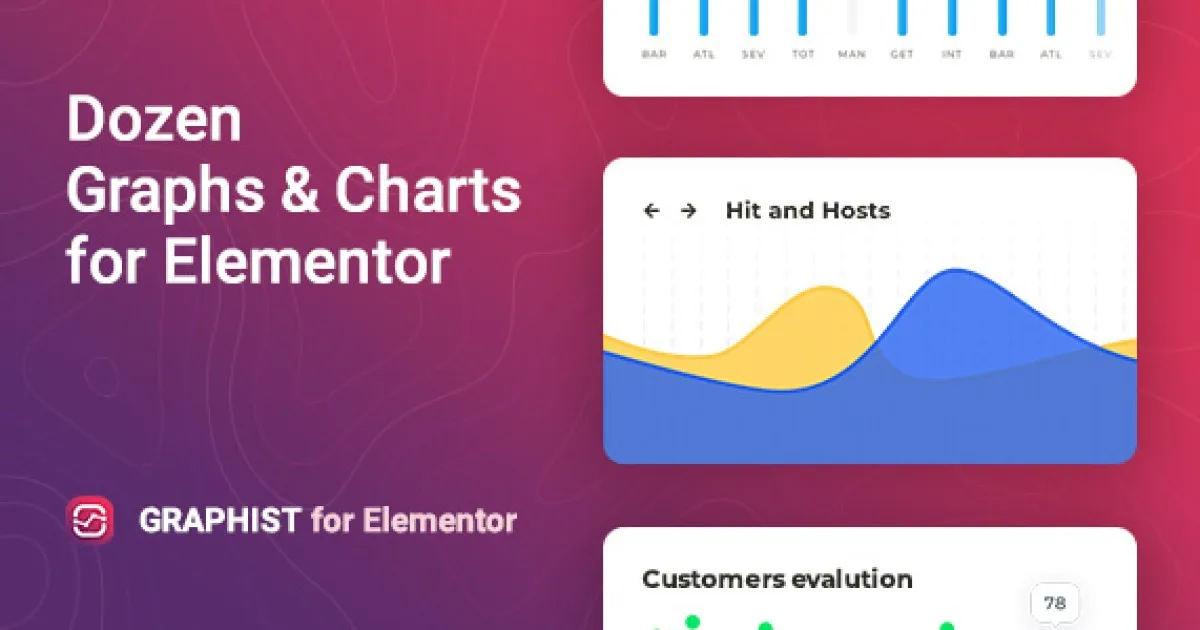
Graphist Animated Elementor Template Kit: JSON layout architecture, design tokens, and motion-ready sections for creative agency builds on Elementor.
- Daily automated updates
- VirusTotal 0/70 clean
- Licensed under GPL
- Secure 256-bit checkout
- Instant direct cloud link
What Is Graphist?
Graphist is an Elementor Template Kit engineered for agencies and freelance developers who need to assemble animated, portfolio-driven creative websites without writing template PHP. It resolves the recurring bottleneck of rebuilding animation-heavy landing structures from a blank canvas by shipping pre-composed page layouts as importable JSON definitions. In production workflows, it operates as a modular layout library on top of an existing WordPress and Elementor installation, reducing per-project build time for agency staging environments.
Key Features of the Template Kit
The kit executes as a set of JSON layout files that Elementor parses into container trees, mapping each section, column, and widget node into the builder’s DOM structure on import. Because layouts are declarative rather than hardcoded, teams can restructure Flexbox containers, swap design tokens, and reorder sections directly inside the editor after deployment.
Architectural Highlights
- JSON Layout Structure: Every page ships as a declarative JSON document, so imports remain portable across environments and edits never depend on server-side template files.
- Flexbox and Grid Container Architecture: Sections are composed with nested Flexbox containers, giving precise control over alignment, spacing, and responsive stacking at each viewport breakpoint.
- Global Typography and Color Tokens: The kit registers global font families and palette values through Elementor’s global system, so restyling an entire site requires editing a single token rather than dozens of widget instances.
- Motion-Ready Section Compositions: Hero, portfolio, and service blocks are pre-structured to accept entrance animations and hover transitions configured through Elementor’s native motion controls.
- Reusable Section Blocks: Headers, footers, pricing blocks, and CTA sections are exposed as standalone templates that can be inserted individually into custom page builds.
For teams building broader agency ecosystems, pairing this kit with a full builder theme such as Willows – Creative Agency & Photography Elementor Theme extends the layout library with Theme Builder templates and GSAP-driven motion widgets.
Who Should Use This Template Kit?
This architecture fits front-end implementers, Elementor specialists, and agency teams producing portfolio sites, studio landing pages, and personal branding pages under deadline pressure. It suits developers who prefer composing layouts visually while retaining token-level control over typography and color. It is not intended for teams expecting a standalone WordPress theme installer or a bespoke codebase — the package assumes Elementor is already installed and configured, and it does not ship custom post types or server-side modules. Non-technical users without Elementor experience will need to learn the container model first.
Compatibility & Runtime Requirements
Baseline runtime constraints center on the WordPress hosting stack and the Elementor plugin version rather than on dedicated server extensions.
| Engineering Metric | Deployment Specification |
|---|---|
| Base Technology / Framework | WordPress with the Elementor page builder active |
| Runtime / Language Requirements | Standard WordPress PHP hosting environment; adequate wp_memory_limit for Elementor container rendering |
| Data Exchange / Communication Protocols | JSON template import through the Elementor library interface |
| Core Dependencies / Engine Compatibility | Elementor (container/Flexbox support required); Hello-style blank or compatible parent theme recommended |
| Database / Storage Footprint | Layouts stored as Elementor template records within the WordPress database; no dedicated tables |
How to Install & Deploy the Template Kit
Deployment follows the standard Elementor kit import path: the archive is uploaded through the builder’s import interface, and layouts become editable templates immediately afterward.
- Environment Pre-check: Confirm WordPress is running, Elementor is installed and activated, and the hosting PHP configuration meets Elementor’s minimum requirements with sufficient memory headroom.
- Package Upload: From the Elementor Tools → Template Kits screen, upload the kit archive and let the importer register each page and block template.
- Import Activation: Apply the imported pages directly into the page list; all sections, containers, and global tokens become fully operational the moment the import completes.
- Configuration & Testing: Review global colors and fonts under Site Settings, replace placeholder imagery and copy, then validate responsive breakpoints and animation behavior on desktop, tablet, and mobile viewports before go-live.
When the deliverable expands into a niche vertical — for example a clinic booking site — the same import-and-token workflow applies to vertical kits such as Smilico – Dental WordPress Theme, keeping agency toolchains consistent across projects.
Frequently Asked Questions
Does importing the kit overwrite my existing Elementor global styles?
Yes, global color and font tokens defined by the kit are applied through Elementor’s global settings on import, so existing site-level tokens should be documented before deployment so you can restore prior values if needed.
Can individual sections be imported without applying full pages?
Yes, the kit exposes header, footer, portfolio, pricing, and CTA blocks as standalone templates, allowing developers to insert single sections into existing builds through the Elementor library panel.
Does the kit require any additional plugins beyond Elementor?
The core layouts render with Elementor’s native container and widget system; if the demo pages reference companion widget plugins, the importer lists them during the kit installation step so you can activate them beforehand.