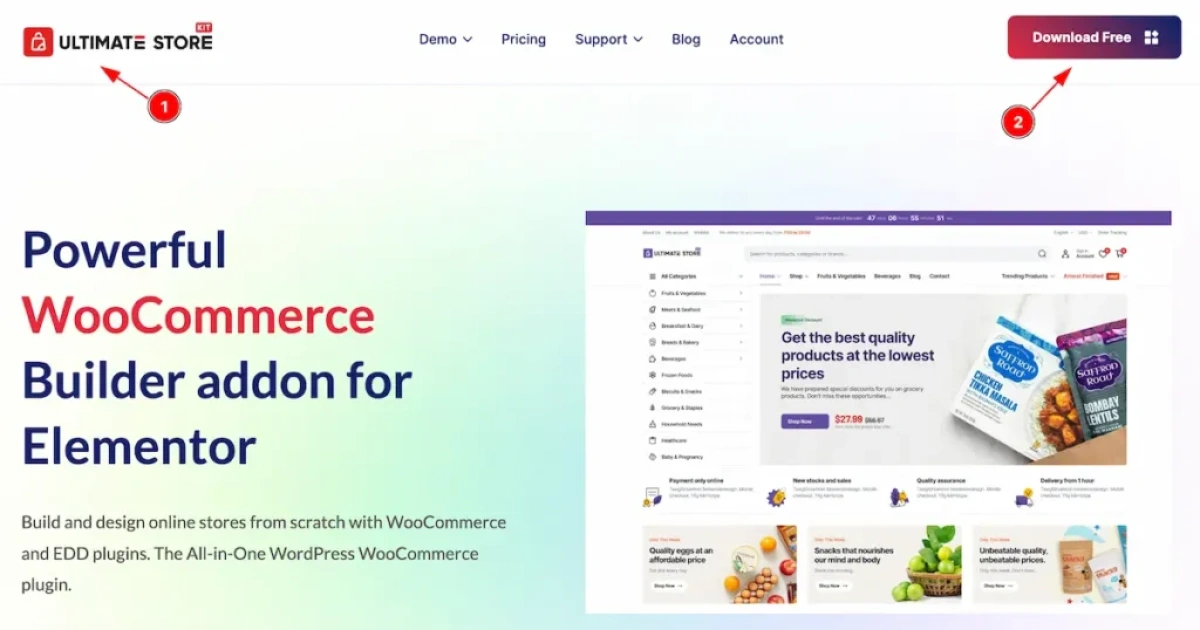
BDThemes Ultimate Store Kit Pro
Ultimate Store Kit Pro is a WordPress plugin delivering WooCommerce Elementor widgets for product grids, quick view, wishlists, and checkout flows for developers.
- Daily automated updates
- VirusTotal 0/70 clean
- Licensed under GPL
- Secure 256-bit checkout
- Instant direct cloud link
What Is Ultimate Store Kit Pro?
Ultimate Store Kit Pro is a WordPress plugin built on the Elementor widget framework, engineered for developers and agencies constructing WooCommerce storefronts at production scale. It resolves the bottleneck of hand-coding commerce interfaces by exposing product grids, quick view panels, wishlists, and checkout-acceleration components as configurable widgets that bind directly to WooCommerce data sources. Within agency workflows, it functions as a reusable commerce widget layer deployed across multiple client builds without duplicating template code.
Key Features of the Plugin
The plugin executes through Elementor’s renderer pipeline: each widget queries WooCommerce products via store data calls, maps the returned objects into a template view, and emits markup scoped to that widget instance. Because loading is modular per widget, only the CSS and JavaScript assets for widgets actually placed on a page are enqueued, keeping the front-end payload proportional to what the layout uses.
Architectural Highlights
- Full WooCommerce data binding: Widgets subscribe to native WooCommerce product objects, pricing fields, and cart state, so grid and list views reflect catalog changes without custom query authoring or duplicated schema writes.
- Conversion-path components: Product grids, quick view overlays, and wishlist state tracking are implemented as discrete modules that shorten the path from catalog browse to checkout initiation on a single page surface.
- Modular per-widget loading: Asset dispatch is conditional on widget placement, reducing render-blocking scripts and supporting 60fps CSS and JS animation targets across storefront sections.
- RTL and WPML readiness: Layout direction and string handling accommodate right-to-left locales and multilingual catalogs, enabling regional store deployments without markup rewrites.
- Reviewed output quality: Every widget passes a 40-point review covering markup validity, accessibility, and visual QA before release, with audits at each release cycle.
When the surrounding theme also needs commerce-aware layouts, pairing the plugin with a grid-oriented shell such as Ferrano gives fashion catalogs a matching AJAX storefront foundation, while grocery-style catalogs fit Zilly with its Ajax shop filters and Elementor building layer.
Who Should Use This Plugin?
This architecture suits WooCommerce-focused agencies, freelance developers maintaining multiple shop clients, and in-house teams standardizing storefront components across several properties. Teams running Elementor as their primary layout engine gain the most, since widget placement, responsive controls, and design tokens integrate directly into their existing authoring flow. It is not intended for developers building fully headless commerce stacks that bypass WooCommerce rendering, nor for site owners who avoid page builders entirely and prefer composing shops through raw PHP template overrides.
Compatibility & Runtime Requirements
Baseline deployment requires a WordPress environment with Elementor and WooCommerce active, since the widget layer binds to both engines at runtime.
| Engineering Metric | Deployment Specification |
|---|---|
| Base Technology | WordPress plugin (PHP) extending the Elementor widget framework |
| Runtime / Language | PHP with standard WordPress plugin bootstrap; no additional server language required |
| Core Dependencies | WooCommerce (catalog, cart, and checkout data), Elementor (rendering container) |
| Data Exchange | WooCommerce store objects and native WordPress data layer; Retina and SVG file support for catalog media |
| Storage Footprint | Standard WordPress plugin install; widget settings persist through Elementor page data |
How to Install & Deploy the Plugin
- Environment pre-check: Confirm the server runs a supported PHP version with WordPress current, and verify that both Elementor and WooCommerce are installed and active, as the plugin registers its widgets against both.
- Package upload: Upload the plugin archive through the WordPress administration interface under the plugins screen, or transfer the extracted directory to the server’s plugin path via SFTP.
- Direct activation: Click Activate in the plugins list. All commerce widget categories, administrative settings, and template modules initialize immediately and become available inside the Elementor editor panel.
- Configuration & testing: Open the plugin settings panel to set global preferences, then place a product grid widget on a staging template, confirm catalog data renders with correct pricing and imagery, and validate quick view and wishlist interactions before pushing to production.
Frequently Asked Questions
Does the plugin function on a WordPress installation without WooCommerce active?
No. The widget layer binds to WooCommerce product objects, cart state, and checkout pathways at runtime. Without WooCommerce active, the commerce widgets have no data source to query and cannot render storefront output.
Can the widgets be used on right-to-left storefront builds?
Yes. The codebase ships RTL and WPML ready, so layout direction, string handling, and multilingual catalogs resolve correctly when a multilingual plugin provides translated product data to the rendering layer.
Are animation assets loaded for every widget regardless of usage?
No. Loading is modular per widget: CSS and JavaScript dispatch is conditional on widget placement. Pages that place only a product grid enqueue only that grid’s assets, keeping animation overhead proportional to layout usage.
Does the package include ready-made commerce layouts or only widgets?
The package ships as a WooCommerce widget layer for Elementor, including product grids, quick view, and wishlist modules. Prebuilt section layouts belong to the broader BdThemes template ecosystem rather than this plugin’s core payload.