Growth – Personal Portfolio WordPress Theme
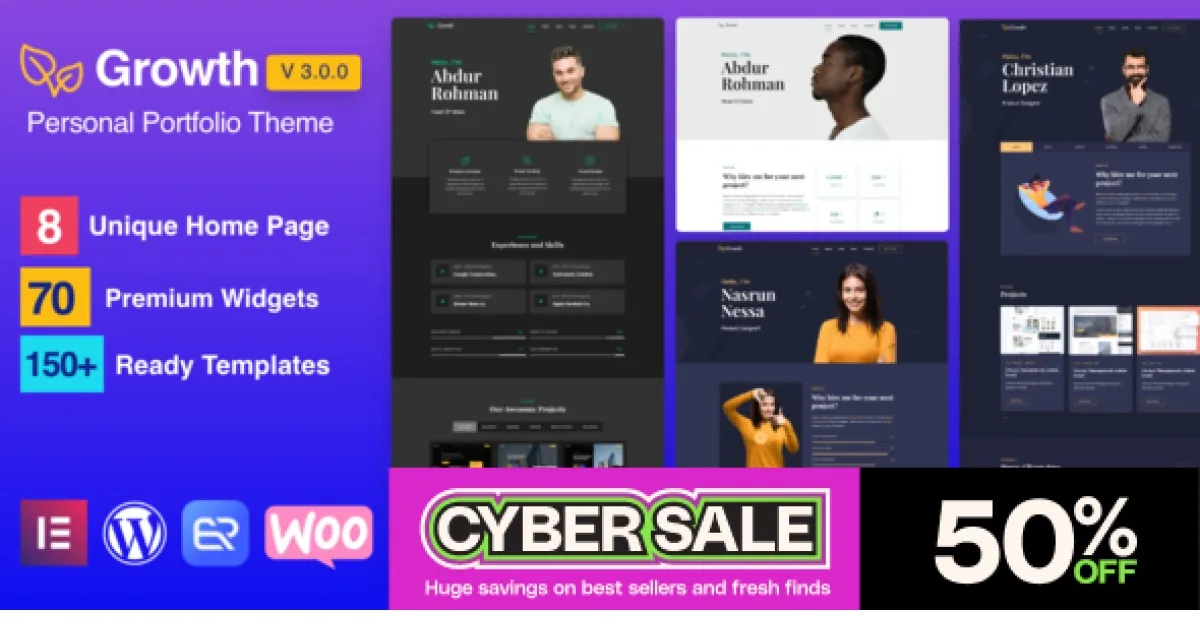
Growth Personal Portfolio WordPress Theme: an Elementor-based CV and portfolio codebase for developers and freelancers building fast, structured personal sites.
- Daily automated updates
- VirusTotal 0/70 clean
- Licensed under GPL
- Secure 256-bit checkout
- Instant direct cloud link
What Is Growth Personal Portfolio WordPress Theme?
Growth Personal Portfolio WordPress Theme is a WordPress-based Theme, engineered for freelancers, developers, and independent consultants to publish structured personal portfolio and resume websites without custom front-end development. It resolves the common bottleneck of assembling a credible personal web presence from disconnected static pages by consolidating portfolio grids, résumé sections, and contact routing into one WordPress-managed template hierarchy. In production, it operates as a self-hosted theme package activated on a standard WordPress Core environment, where content is authored through the WordPress admin and rendered through the theme’s template files.
Key Features of the Theme
Requests are routed through the native WordPress template hierarchy, where the theme’s template files resolve page context, enqueue assets, and render post data into the DOM for each view.
Architectural Highlights
- Portfolio-first template structure: Dedicated templates for project showcases and personal profile views, mapping cleanly onto the WordPress template hierarchy so developers can override individual views with child theme files rather than editing the parent codebase.
- Résumé and CV presentation blocks: Structured sections for experience, skills, and education rendered as repeatable content modules, keeping biographical data separate from layout markup.
- Contact and lead routing: A contact view that funnels visitor inquiries to the site owner, suitable for freelance acquisition workflows where the portfolio doubles as the conversion surface.
- Responsive DOM output: Viewport-adaptive layouts that keep rendering depth shallow across breakpoints, which directly affects CLS stability on mobile devices.
- Single-parent maintainability: All presentation logic lives in one theme package, so staging updates propagate through standard WordPress theme update mechanics rather than scattered plugin dependencies.
For teams that need a heavier multi-concept baseline with 20+ prebuilt demos, the same template-hierarchy pattern is implemented at larger scale in Wanium Theme, while this package stays lean for single-owner portfolio deployments.
Who Should Use This Theme?
The package targets freelance developers, designers, and consultants who maintain their own WordPress installs and want a portfolio codebase they can extend at the template level. It fits agency staging environments where a personal-brand site is a small, isolated deliverable handed to a single client. It is not intended for non-technical site owners who expect a drag-and-drop builder experience with no exposure to template files, child themes, or WordPress admin configuration. Teams building content-heavy editorial properties should evaluate a blog-oriented baseline such as Fast Blog WordPress Theme instead, since that codebase optimizes for article-first rendering.
Compatibility & Runtime Requirements
The theme runs on a baseline WordPress environment with no proprietary server components beyond standard PHP and MySQL hosting.
| Engineering Metric | Deployment Specification |
|---|---|
| Base Technology | WordPress Theme (PHP template hierarchy, WordPress Loop rendering) |
| Runtime Baseline | Standard WordPress Core Environment (PHP/MySQL stack) |
| Parent Ecosystem Dependency | WordPress Core; standard theme activation via the admin dashboard |
| Data Formats | WordPress post types and native content serialization; no external API contracts required |
| Deployment Mode | Self-hosted single-site theme package |
Limitations & Technical Considerations
The theme operates within defined architectural boundaries that developers should confirm before staging. First, it is scoped to a single WordPress site per deployment; it is not positioned as a multisite network theme, so network-wide portfolio branding would require per-site activation. Second, its functional surface centers on personal presentation — portfolio, résumé, and contact views — meaning commerce, booking, or membership features would need third-party plugin integration, which adds enqueue overhead and should be load-tested. Third, layout modifications beyond the provided templates assume competence with child theme overrides and WordPress template naming conventions; developers unfamiliar with the template hierarchy should budget time for that learning curve before committing to client deadlines. Finally, since content is stored as native WordPress posts and metadata, migrations between hosts follow standard WordPress export/import mechanics rather than any bundled proprietary transport layer.
Frequently Asked Questions
Can the theme’s templates be overridden from a child theme?
Yes. Because views resolve through the standard WordPress template hierarchy, copying a template file into a child theme with the matching filename overrides the parent version, keeping parent updates isolated from custom edits.
Does the theme require any paid builder plugin to render its layouts?
No. The package renders through its own WordPress template files and the WordPress Loop, so core portfolio, résumé, and contact views display on a standard WordPress install without additional builder dependencies.
Is the contact section dependent on an external form service?
No. The contact view operates within the theme’s own template structure on the self-hosted WordPress environment, so inquiry handling runs locally rather than routing through a third-party SaaS endpoint.