Saxon – Viral Content Blog & Magazine Marketing WordPress Theme
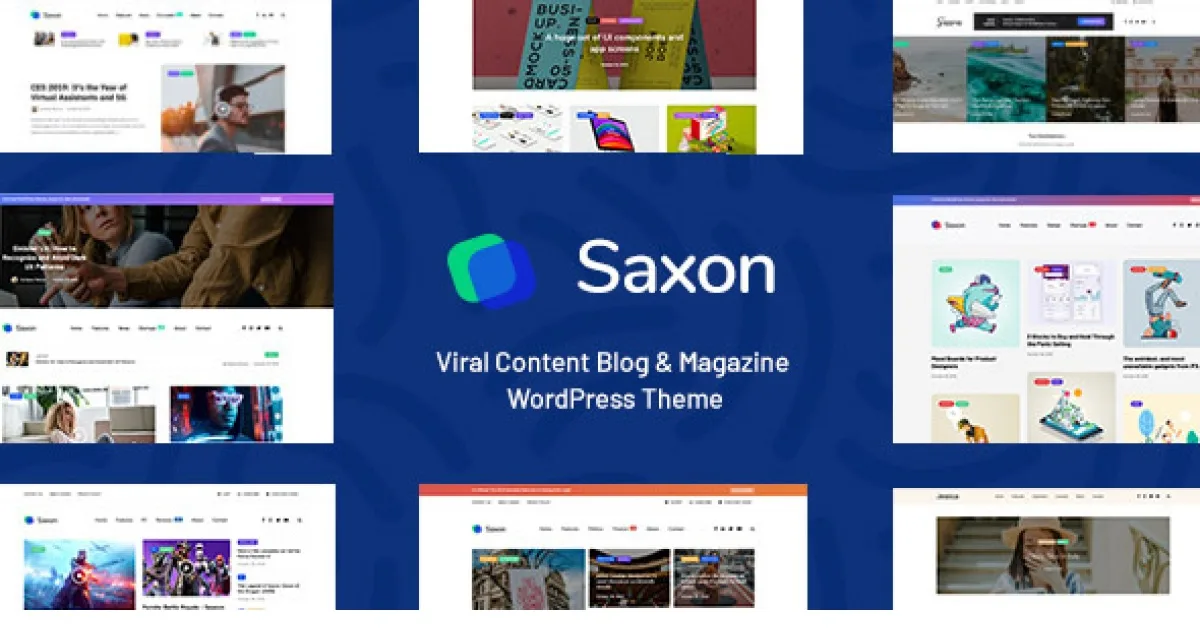
Saxon Viral Content Blog & Magazine WordPress Theme delivers demo-driven editorial layouts, post format handling, and template overrides for publishers and agencies.
- Daily automated updates
- VirusTotal 0/70 clean
- Licensed under GPL
- Secure 256-bit checkout
- Instant direct cloud link
What Is Saxon Viral Content Blog & Magazine WordPress Theme?
Saxon Viral Content Blog & Magazine WordPress Theme is a WordPress theme, engineered for publishers and development agencies to build editorial, viral content, and magazine deployments on a standard WordPress template hierarchy. It resolves the bottleneck of hand-assembling magazine layouts by shipping preconfigured demo structures, post format handling, and widget area organization that map directly onto native WordPress rendering. In production, it functions as the presentation layer of a content-driven site, with administrators replacing demo content through the standard administrative interface before go-live.
Key Features of the Theme
The theme executes through the native WordPress template hierarchy: incoming requests are matched to template files, queries are dispatched by WP_Query, and rendered DOM output is assembled from header, footer, and content partials with enqueue-based asset loading. Layout variations are selected through theme options rather than hard-coded template edits, keeping overrides contained within child-theme scope.
Architectural Highlights
- Multiple Demo Prebuilds: The package ships several homepage and archive demo configurations for blog, magazine, and viral content orientations, each defining distinct widget placements and post list structures that can be imported and then edited through standard administrative screens.
- Post Format and List Architecture: Editorial entries are rendered through structured post list modules that control excerpt length, thumbnail dimensions, and metadata ordering, giving publishers deterministic control over DOM depth in archive views.
- Theme Options Panel: A dedicated settings panel exposes typography, color, and layout parameters, persisting values via the WordPress options API so configuration survives template and child-theme changes.
- Responsive Layout Grid: Content columns and widget areas collapse across defined viewport breakpoints using media-query-driven CSS, preserving readable article structure on mobile rendering targets.
- Editorial Workflow Support: Category, tag, and author archive templates are prestructured so publishing teams can scale content taxonomies without writing custom query loops.
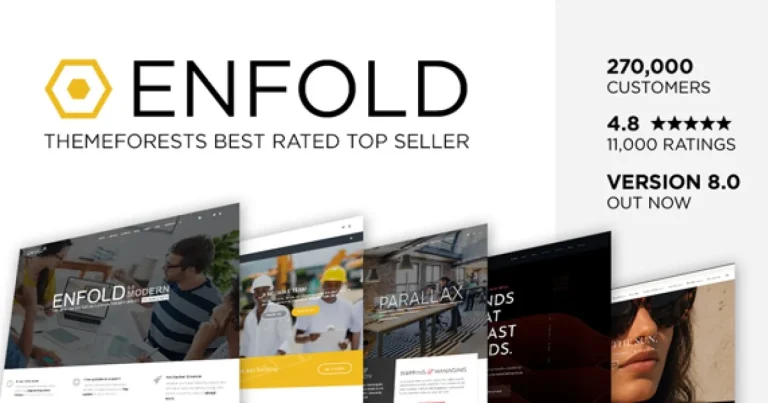
For teams that need broader directory or multi-layout capabilities beyond the editorial scope, deploying MyListing provides an Elementor-driven listing architecture that complements a content-first deployment. When the same agency portfolio requires a multi-purpose base for mixed client verticals, Enfold serves as an alternative presentation layer with demo-driven layout switching.
Who Should Use This Theme?
This codebase targets WordPress developers and small agency teams building editorial properties: viral content aggregators, niche magazines, personal blog networks, and content marketing sites where publishing velocity matters more than application logic. It fits deployments where editors work through the standard WordPress block editor and widgets rather than composing pages in a heavyweight page builder. It is not intended for non-technical site owners who expect drag-and-drop canvas editing without template awareness, nor for developers who need headless REST-driven front ends, since the package renders through server-side PHP templates. Teams requiring commerce-heavy flows should plan a WooCommerce integration pass rather than expecting store-first architecture out of the box.
Compatibility & Runtime Requirements
Baseline deployment assumes a standard LAMP stack running a compatible WordPress core version with PHP above the minimum threshold enforced by modern core releases.
| Engineering Metric | Deployment Specification |
|---|---|
| Base Technology / Framework | WordPress theme running on the native template hierarchy |
| Runtime / Language Requirements | PHP with WordPress core installed on a LAMP or equivalent web server stack |
| Data Exchange / Communication Protocols | HTTP/HTTPS request handling through standard WordPress front-controller routing |
| Core Dependencies / Engine Compatibility | WordPress block editor and widget system; standard theme customizer and options panel |
| Database / Storage Footprint | MySQL/MariaDB via WordPress wp_options and post meta tables; no custom schema writes |
How to Install & Deploy the Theme
Deployment follows the standard WordPress theme administration workflow, with no external verification steps required before the package becomes operational.
- Environment Pre-check: Confirm the target server runs a supported PHP version, a configured MySQL database, and a current WordPress core installation; verify writable uploads directories for demo media.
- Package Upload: Transfer the theme archive through the administration interface under Appearance, Themes, Add New, Upload Theme, or place the extracted directory directly into wp-content/themes via SFTP.
- Direct Activation: Click Activate in the theme listing; the theme initializes immediately, registering its menus, widget areas, options panel, and template routes for full production use.
- Configuration & Testing: Open the theme options panel to set typography, color, and layout preferences; import or assign demo structures, then validate rendered output across homepage, archive, and single post templates before publishing.
Frequently Asked Questions
Does the theme include multiple ready-made demo layouts for different editorial styles?
Yes. The package ships multiple demo configurations covering blog, magazine, and viral content orientations, each defining distinct homepage and archive structures. Editors import a demo through the administrative interface, then replace placeholder posts and adjust layout parameters in the options panel.
Can the theme be extended safely through a child theme?
Yes. Template files follow the standard WordPress hierarchy, so developers can override any template by placing a same-named file in a child theme directory. Theme option values persist independently of template overrides, keeping configuration stable across structural customization passes.
Is a page builder required to compose the magazine layouts?
No. The demo layouts are assembled from the theme’s own post list modules, widget areas, and template structures rather than a third-party builder dependency. Content editing happens through the native WordPress editor, and layout adjustments are made via the built-in options panel.